

If you follow our coverage of Google Home and Gemini for Home, you already know that Google posts bi-weekly (sometimes weekly) change logs for a steady stream of upgrades, improvements, and fixes to all of their smart home products. Honestly, it’s quite impressive how often they update their Home platform.
Today, they’ve put together what they are calling the “Google Home Update (Fall 2026).” This is mostly a recap of the big items they have announced in recent weeks, but they also shared several improvements coming to Nest Thermostat devices, as well as Gemini Live.
Let’s run through it all, so that you know what might be coming soon to your Google Home setup.
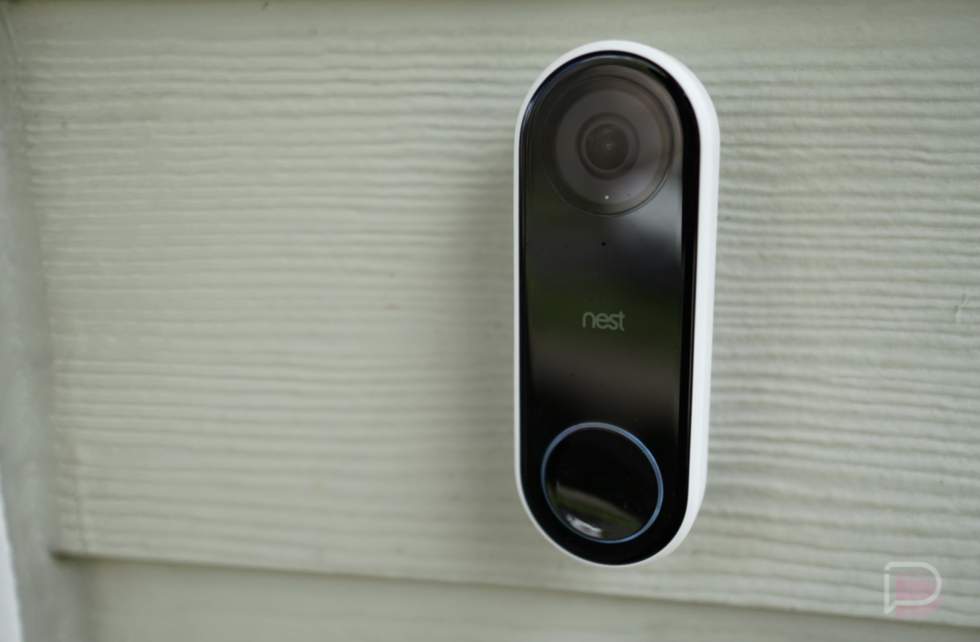
Google Home updates to cameras doorbells
First up, we have 5 areas to talk through that involve cameras and doorbells for the Google Home ecosystem. Some of this is new, while some of it was just recently announced.
Doorbell Theme Previews
Google announced this in September. For those who missed it, Doorbell Theme previews make it so you no longer have to walk outside and ring your own doorbell just to hear what a new chime sounds like. The Google Home app now lets you preview classic and seasonal doorbell tones right from your phone before applying them.
Audio Event Descriptions
If you pay for the Google Home Premium Advanced plan, your Nest cameras and doorbells are getting a bit smarter. Motion-triggered event descriptions will now include off-camera sounds like barking dogs, sirens, footsteps, or breaking glass. You can also search for those specific sounds using Ask Home.
Home Keys in Google Wallet (Android Only)
Last week, Google announced that Android users can now ditch physical keys for compatible Matter and Aliro smart locks. You can store a single digital home key in Google Wallet that works across all supported locks in your house. Depending on your hardware, you can either tap your phone to the lock via NFC or use Ultra Wideband (UWB) to unlock the door as you walk up to it.
Improved Activity Zones
Following user complaints about false alerts, Google tightened the boundary precision on its newest wired cameras to stop passing cars and stray animals from triggering notifications. They also moved Activity Zones to the front and center of the camera settings page and added an exit confirmation prompt on iOS.
Keyboard Scrubbing on the Web
Reviewing footage at home.google.com is a lot faster now. While watching recorded camera history in the web player, you can use your keyboard’s arrow keys to skip backward or forward in 5-second jumps, or tap rapidly to skip 30 seconds or more at a time.
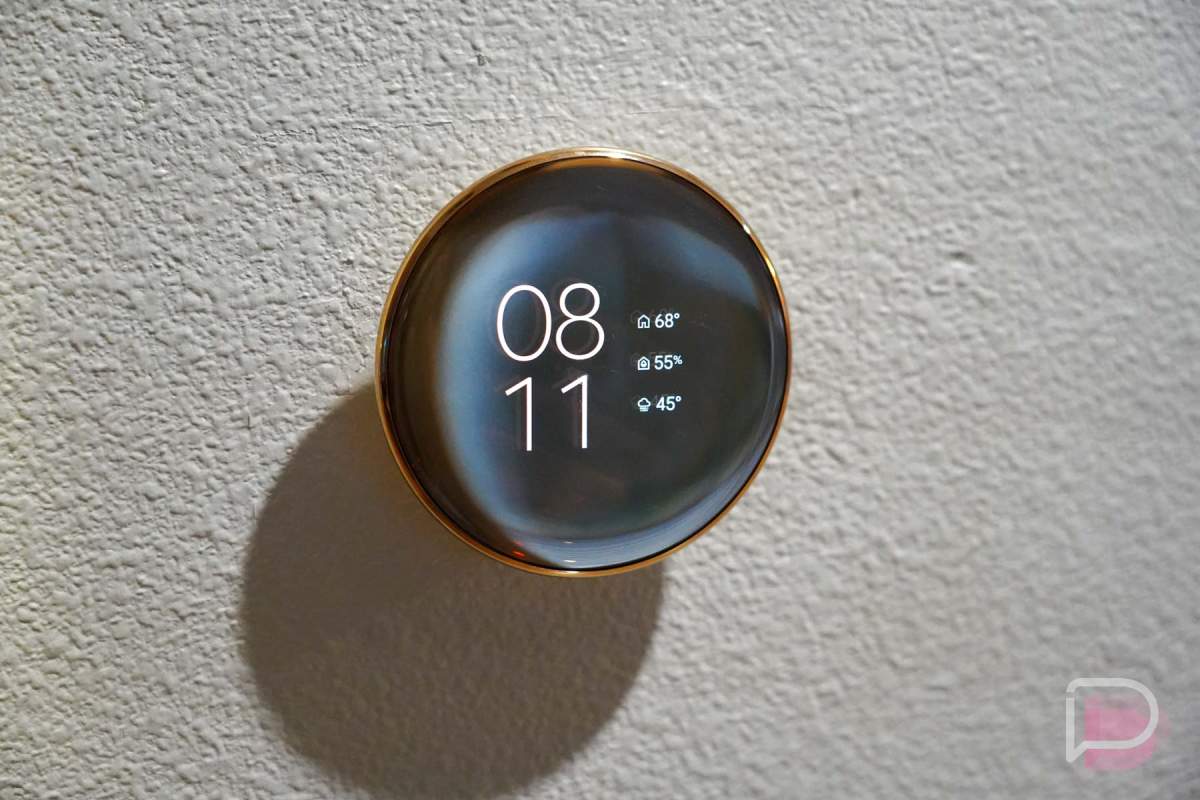
New features and updates to Nest Thermostats
The US and Canada are getting a “suite of updates” to Nest Thermostats that add clearer insights, faster access to controls, and broader sensor compatibility.
New Dynamic Farsight Faces (4th Gen Only)
Starting in December, owners of the Nest Learning Thermostat (4th gen) are getting new Dynamic Farsight display options. The update adds seasonal animations and a new Lunar face that tracks moon phases on your wall.
Estimated Dollar Savings
Also rolling out in December for US and Canadian users, the Google Home app will begin calculating and displaying your estimated cumulative dollar savings. You’ll be able to see those numbers in the Climate space, thermostat controller, and Favorites widget.
Third-Party Matter Sensor Support (4th Gen Only)
In December (again), Nest Thermostat (4th Gen) owners will no longer be locked into Google’s own temperature sensors. You’ll be able to pair third-party Matter sensors from brands like IKEA, Eve, and Aqara directly with the thermostat to view room readings, average temperatures across multiple rooms, schedule sensor priority by time of day, and trigger automations.
HVAC System Health Alerts
Select Nest thermostats can now proactively catch potential problems with your heat pump or AC compressor before your house actually gets uncomfortable. If something looks off, you’ll get a heads-up on the thermostat, through email, or in the app. If needed, you should have the option to contact a Nest Pro installer.
Quick Eco Mode Access
Google redesigned the thermostat controller screen in the Google Home app to put Eco mode and presets front and center for truly quicker access.
Temperature Unit Sync
A new centralized setting in the Google Home app will let you choose Fahrenheit or Celsius once and automatically applies it across the entire ecosystem, syncing your weather widgets, smart speakers, thermostats, and sensors so you aren’t dealing with mixed units.
More coming soon!
And finally, there are a couple of Gemini notes to be aware of:
- Gemini for Home is rolling out to more countries next month, including India, Taiwan, Singapore, Colombia, South Korea, and Brazil
- Gemini Live is being upgraded to a new speech-to-speech architecture that allows it to be “significantly faster” and smoother.