
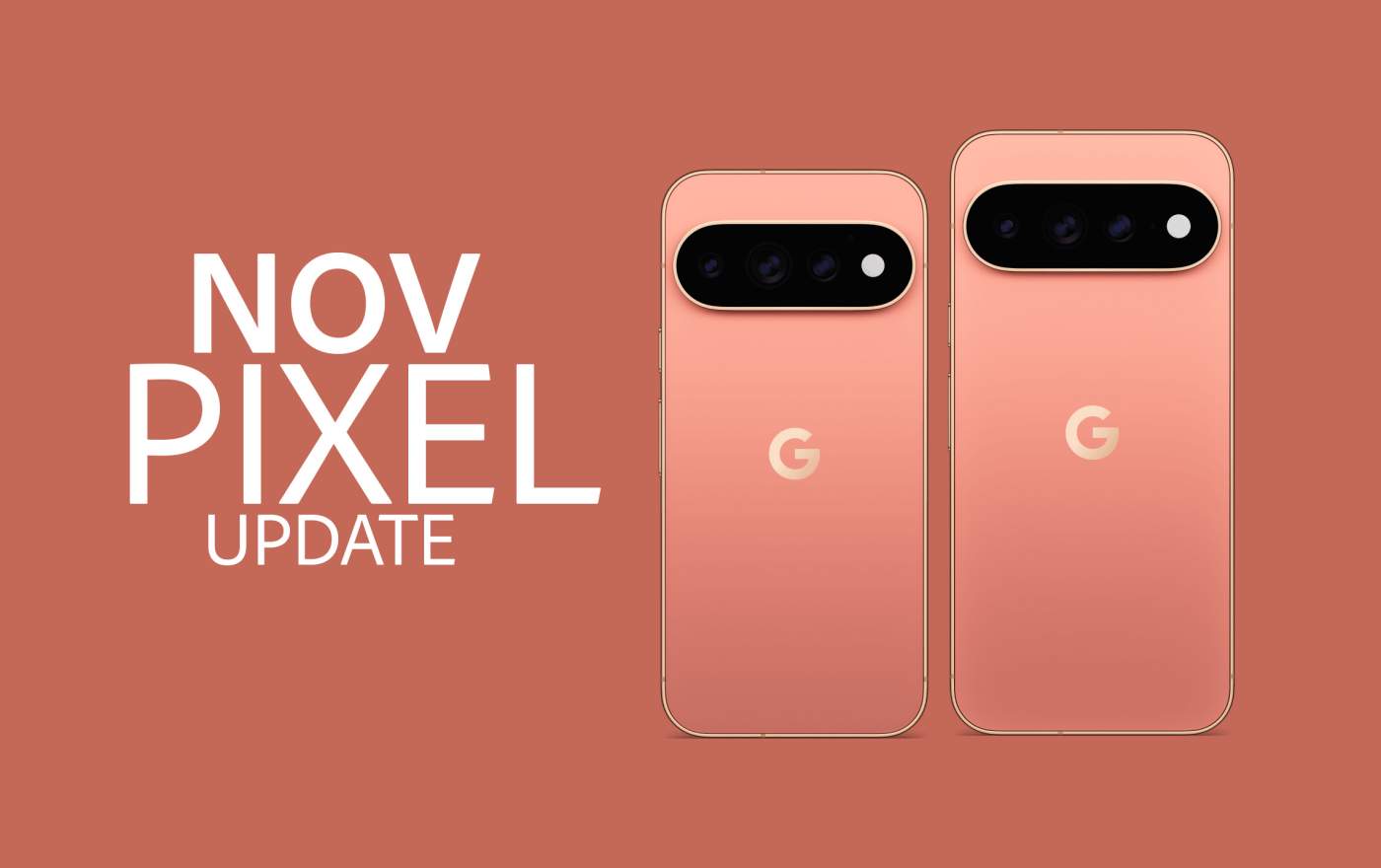

The November Pixel update arrived today for all of Google’s still-supported line of phones, foldables, and tablets. The update happens to be a major update that brings Android 17 QPR2 Beta into stable format, plus there is a Pixel Drop alongside the release with several new features.
Since this is a quarterly release, Google packed in at least 30 bug fixes and improvements, so if you weren’t testing previous QPR2 beta builds, you’ll want to get this update as soon as you can. It should tidy up any outstanding issues you may have been dealing with.
The update is available to the Pixel 6a and Pixel 7 series up through the new Pixel 11 series. The Pixel 6 and Pixel 6 Pro are not scheduled to receive this update, as those have reached end of life status.
The new builds for November 2026 can be found below.
Global
- Pixel 6a: CP4A.261105.040.A1
- Pixel 7: CP4A.261105.040.A1
- Pixel 7 Pro: CP4A.261105.040.A1
- Pixel 7a: CP4A.261105.040.A1
- Pixel Tablet: CP4A.261105.040.A1
- Pixel Fold: CP4A.261105.040.A1
- Pixel 8: CP4A.261105.040.A1
- Pixel 8 Pro: CP4A.261105.040.A1
- Pixel 8a: CP4A.261105.040.A1
- Pixel 9: CP4A.261105.040.A1
- Pixel 9 Pro: CP4A.261105.040.A1
- Pixel 9 Pro XL: CP4A.261105.040.A1
- Pixel 9 Pro Fold: CP4A.261105.040.A1
- Pixel 9a: CP4A.261105.040.A1
- Pixel 10: CP4A.261105.040.A1
- Pixel 10 Pro: CP4A.261105.040.A1
- Pixel 10 Pro XL: CP4A.261105.040.A1
- Pixel 10 Pro Fold: CP4A.261105.040.A1
- Pixel 10a: CP4A.261105.040.A1
- Pixel 11: CP4A.261105.040.D1
- Pixel 11 Pro: CP4A.261105.040.D1
- Pixel 11 Pro XL: CP4A.261105.040.D1
- Pixel 11 Pro Fold: CP4A.261105.040.D1
Canada
- Pixel 11: CP4A.261105.040.B2
- Pixel 11 Pro: CP4A.261105.040.B2
- Pixel 11 Pro XL: CP4A.261105.040.B2
- Pixel 11 Pro Fold: CP4A.261105.040.B2
Again, Google (and its carrier partners like Verizon, T-Mobile, and AT&T) will begin pushing these updates over-the-air shortly (Settings>System>Software updates>System update), but if you don’t want to wait for Google and prefer to update manually, you will soon find each factory image or OTA file at the links below. For instructions on how to flash a factory image, here you go. For instructions on how to flash an OTA .zip file, here you go.