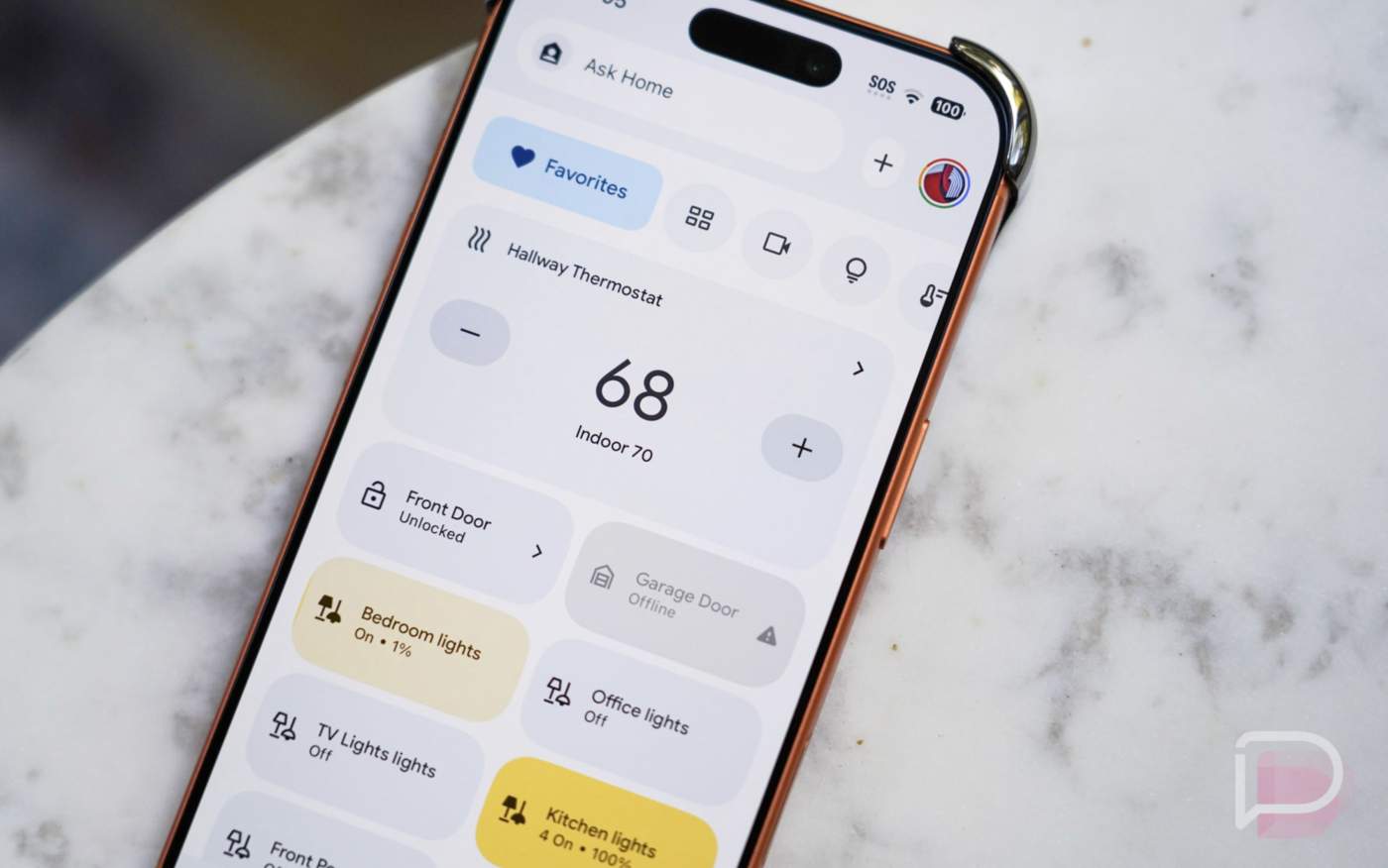

The Google Home app is getting an update starting today that should continue to improve several areas. For one, Google says that you’ll start to see less “Video not available” errors when you launch the app from notifications for recent events. The fix is “foundational” and should bring a proper fix going forward for users on v4.8 or higher of the Home app.
The other item showing up deals with more automation starters, conditions, and actions. Google is releasing an update that allows you to set smart lights to specific colors or temperatures, for one. They are also adding starters/conditions around humidity levels, robot vacuums docking, battery status on devices, and more.
The full changelog for this Google Home update just went live and we’ve included it below.
Camera close-to-live playback improvements
This foundational fix allows the Google Home app to play back events recently captured by your cameras. This will reduce “Video not available” errors when launching the Google Home app from a notification or when clicking on a recent event. This feature is available on Google Home app version 4.8 or higher.
More automation starters, conditions, and actions
We are constantly improving our automation editors and abilities. Today, we are releasing the below starters, conditions and actions. These are only available in the Google Home app using the automation editor and are not yet supported by Ask Home or Help me create.
Starters/Conditions:
-
- Humidity reaches a specific level: e.g. “When the humidity is above 60%…”
- Robot vacuum docking: e.g. “If the vacuum is docked…”
- Battery status on a device: e.g. “If the battery is charging…” or “When the battery is low…”
- Switch or button is pressed**: e.g. “When double tapping the switch…”, “When holding down the button on a dimmer switch…”, or “When the button is released…” ** Available as a starter only
- Single or multi-press
- Long press
- Long press release
- Binary state for supported devices: e.g. “If there’s a leak…” or “If the window is open…”
- Closed or opened
- Contact or no contact
- Freeze or no freeze
- Leak or no leak
Actions:
-
- Set smart light to a specific color or temperature: e.g. “…set the living room light to blue” or “…set the bedroom light to a warm white”