
 Tim
Tim
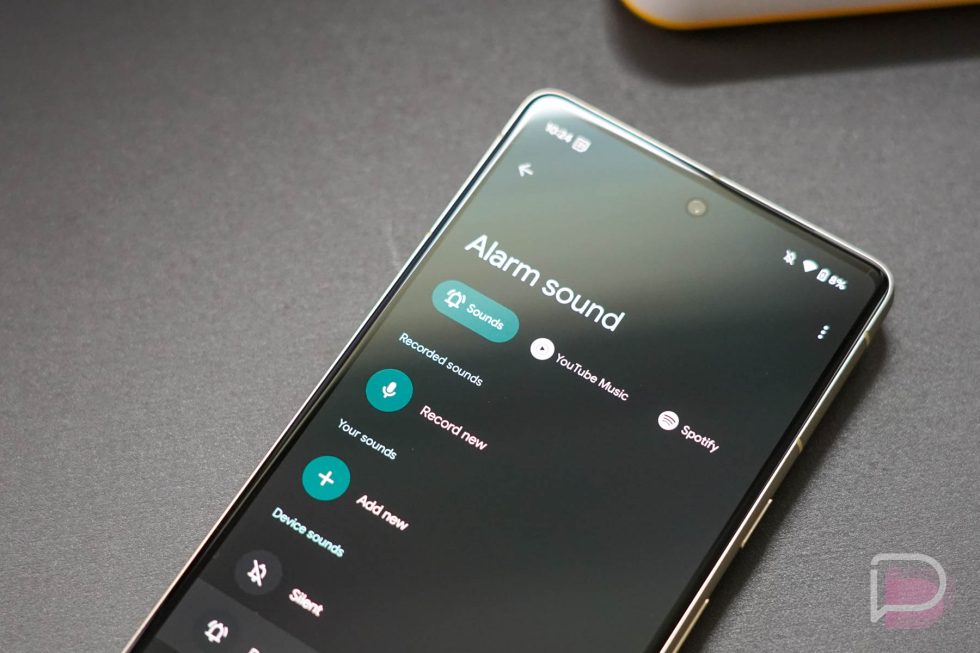
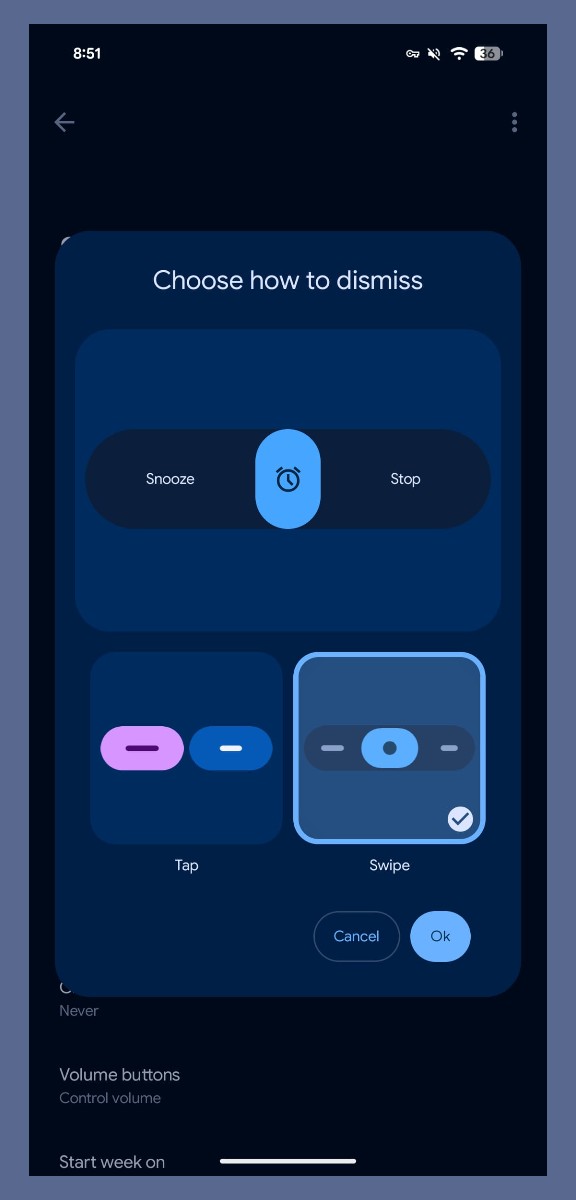
Google Clock version 8.5 is headed out to users, and inside, a more customizable alarm clock experience will greet you. Google is rolling out the ability for users to swipe alarms away, instead of the traditional buttons for tapping.
Once the server side change hits your device, you can opt between both tap and swipe for dismissing alarms. Google provides a preview of what that UI looks like. It’s nearly identical to that of an incoming call. You swipe right to stop the alarm and swipe left to snooze it.
To change your setting, there’s a fresh “Dismiss alarm with a” preference in Settings. Again, you’ll need to wait for the change to hit your device from Google’s servers.
Which option do you plan to utilize?
// 9to5Google
Collapse Show Comments4 Comments