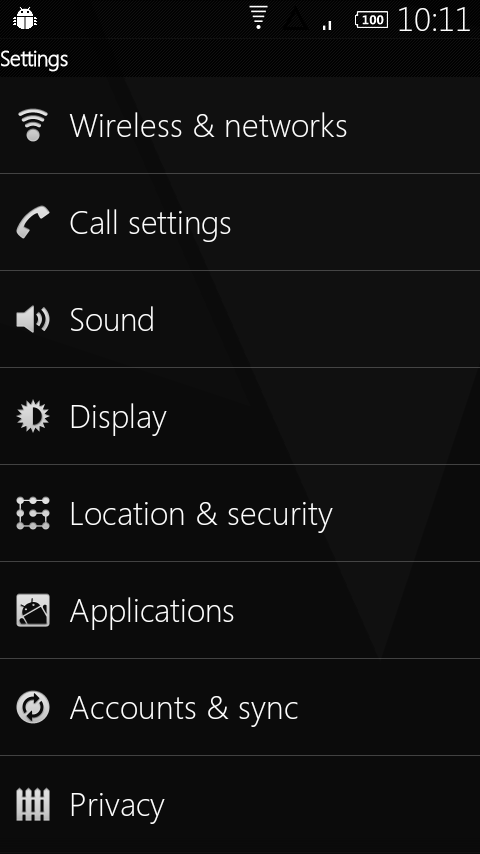
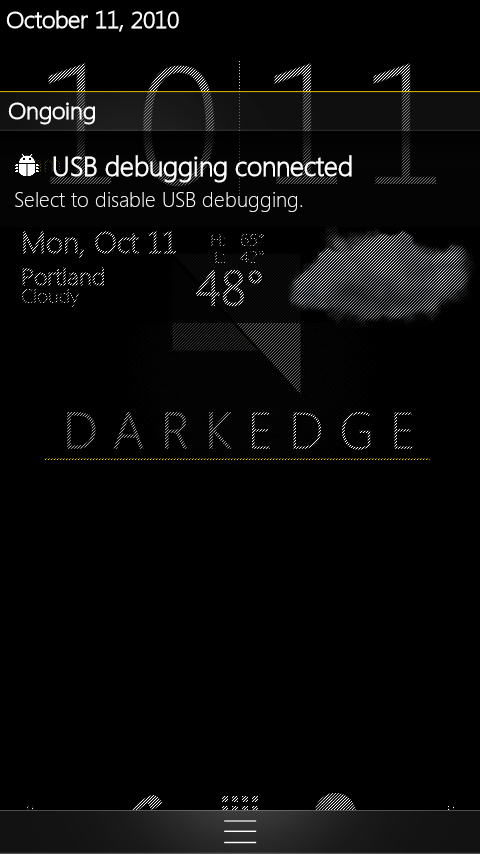
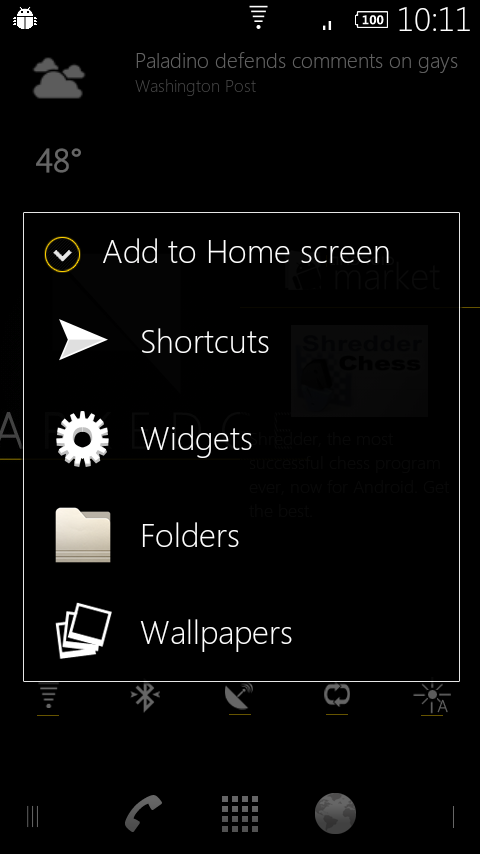
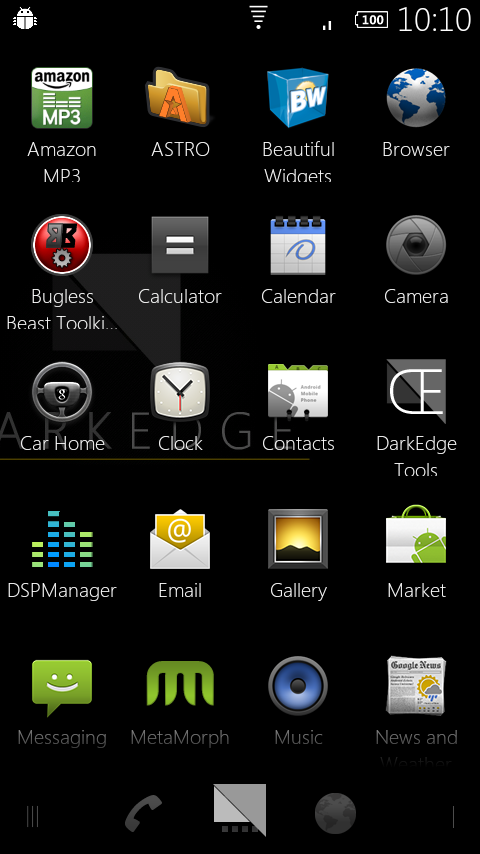
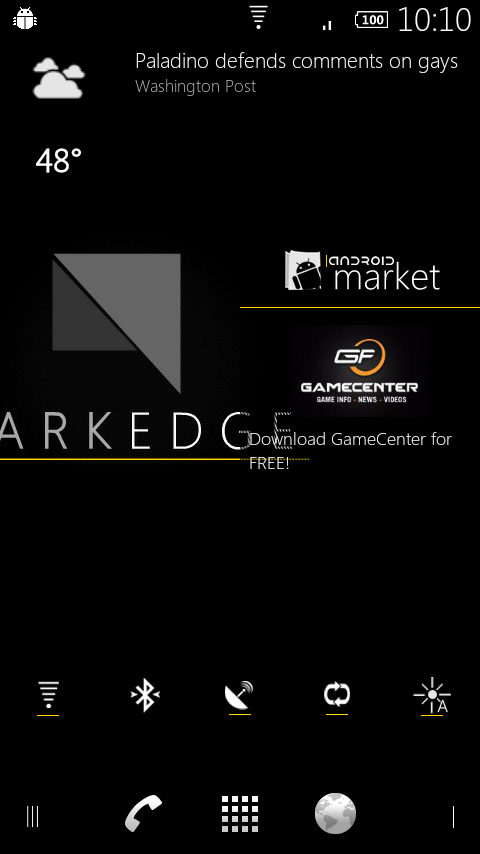
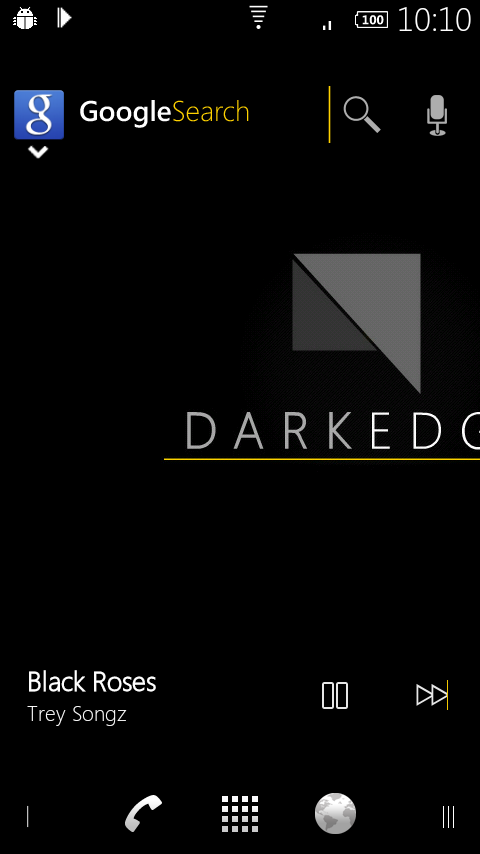
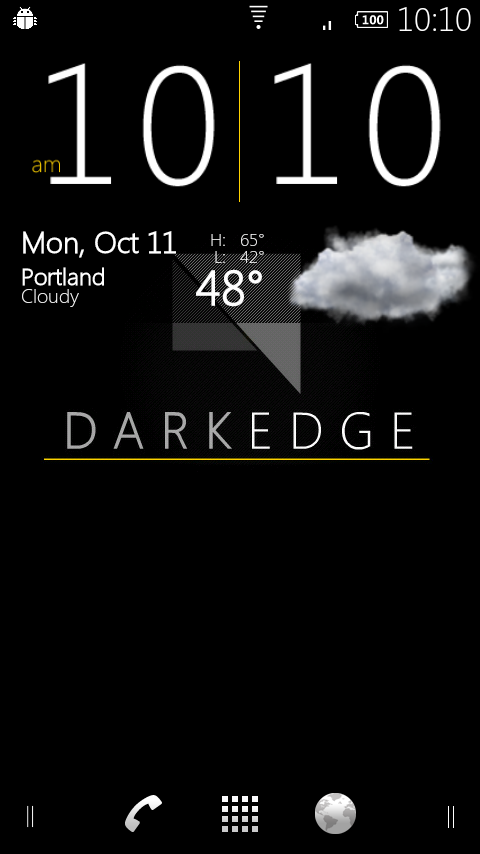
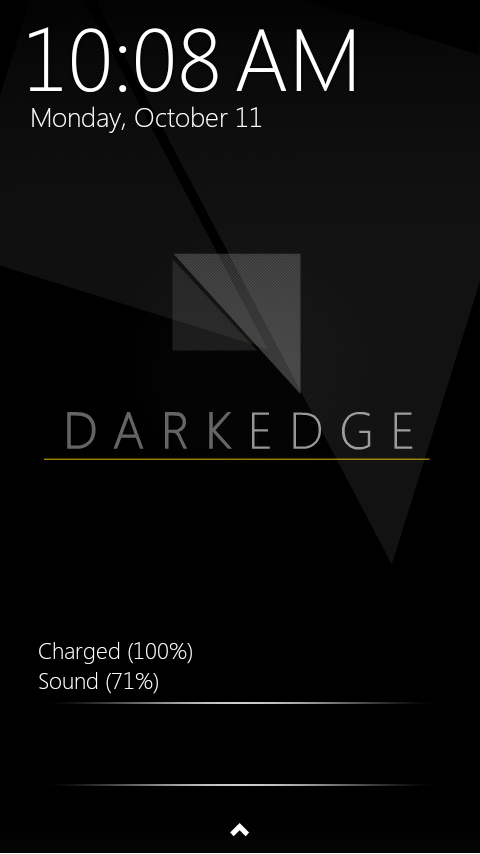
Dark Edge for the original Droid might still be the greatest theme created for any Android device and with today’s V1.0 release, it looks like it might be a while before anyone dethrones it. If there was one drawback to previous versions, it would have been the incredibly intense installation process, but with this new release, Xeudoxus and REALigion have put together an update.zip which makes it as easy as any other theme you’ll find. You now don’t have an excuse to not be using this.
Instructions (theme only):
*Note 1* – Original DROID only.
*Note 2* – They recommend flashing this over stock FRG22D, but it worked flawlessly for me over Bugless Beast V0.5.
1. Download DE.FRG22D.zip to your SD card.
2. Open ROM Manager and select “Install ROM from SD card.”
3. Locate DE.FRG22D.zip and tap on it.
4. Check the box to make a backup, skip “wipe data and cache.”
5. Your phone will reboot and apply Dark Edge.
6. When it’s finished you can enjoy the new look or move forward to app theming.
Instructions (app theming):
1. Download DarkEdge-FRG22D-Apps.zip to your SD card.
2. Downlaod and install Dark Edge tools from the market.
3. Open Dark Edge tools and click “Start App Transfer.”
4. When it finishes, exit out.
5. Extract all of the files from DarkEdge-FRG22D-Apps.zip to your “AndroidThemes” folder.
*Note 3*– If you don’t have this folder, create it.
6. When finished, download and install Metamorph from the market.
7. Open Metamorph, “Start Checks” and select “Pick Existing Theme.”
8. Open the folder which you just extracted DarkEdge-Apps.zip to.
9. Find the DarkEdge-FRG22D-Apps.xml file and tap on it.
10. Click “Apply All.”
11. Metamorph will now theme all of your apps.
12. When it reboots, enjoy!
Full support thread can be found here.
Huge thanks to Xeudoxus and REALigion for this release!

anyone else get a force close on the setup wizard?
did you find a fix for this?
This rom gave me a force close issue on the setup wizard. It's cyclic so it cannot be avoided. Be advised. Installed over stock frg22d
It just will not install for me. I have everything installed right, but I get the warning screen on every boot. Over Stock FRG22D.
I'm trying to install this on my droid 1. But I'm having difficulty installing it I downloaded “DE.FRG22D.zip”. But once I place the file on to the SD card it won't let me install the file on the droid. It says something like not found on directory. Also when you say “Open ROM Manager” does that mean using program such as “astro”?
Thanks…
Alright simple as this man.
1. Download a FRG22D rom. ( I use petes http://www.peteralfonso.com)
2. Flash the rom.
3.Download the DE-FRG22D update.zip file (Might have been updated so redownload it)
4.Boot into recovery. If its sprecovery rename to update.zip. If using clockwork just choose install zip from sdcard and select the DE-FRG22D.zip file
5. Flash it and reboot.
6. Done.
Hey thanks man. Um..just one small issue I'm a bit confused on “flash the rom”. I think I did that when I was updating to froyo before OTA update from VzW… Is the procedure like holding the power and “X” key then the exclamation n phone icon is shown?
Does any. Body. Have. A video. So I can. Root my d1 please
you can use the super one click which worked for me …. just search for it on here
I did Super One Click on my D1 and it worked amazing, but I messed up my phone trying to install a rom.
Can someone. Help me please
I whant to root my motoroladroid but. I can't. I try. Doing. Everything. On droid. Life. But. I can't
Tried installing but it freezes at app transfer in dark edge tools? Running bb v.5….any suggestions??
any way to change the font color? now when i try to type in google search or handcent i cant see what im doin cause the font is white and so is the space to type in! aaahhh!! love dark edge though
flashed over bb v0.5. minutes are cut off the clock in the top right. any ideas?
i istalled this rom and when it boots up it sayapplication setupe wizard has stopped unexpectedly over and over help please.
I really like this theme, but I was having too many issues with the automatic lighting and some of the apps that were either double loading or conflicting. I'll just wait for a less buggy version. BTW I am using Bugless Beast v0.5
Is anyone else having issues loading the Rom? I followed all the steps and when my D1 reboots it is running the stock theme…. What did I miss?
Thanks
Don't flash this over shadow rom! Will lock up your phone and require a restore. Droid 1.
Does anyone have an update.zip with the apps already themed? This them is siiiick BUT, when I installed it gmail wasnt themed correctly… and there were other apps as well… and when I tried to theme the apps myself I failed…
So I was just wondering if anyone can provide an update.zip with all the apps already themed. thx!
I can't seem to find DARKEDGE Tools in the market…..any ideas?
Needs to be updated for the lastest build (2.2.1). Got the boot loop with the new builds.
Made my Gmail unreadable.
Does onyone know where I can get red and blue in the .zip.
I loaded this on a clean stock Project EliteV2 and everything went great. There is only one thing that i can see that's wrong the clock in the upper right corner is half there other then that I'm looking for red and blue now.
Not working on shadow rom
Isn't Shadow Rom based on CM6 and epe54b? This theme is for frg22d
I have install DarkEdge over Bugless Beast V0.5. It works with no problems to speak of. Nice Theme.
Where did you get the darkedge wallpaper??
Sapphire 1.1.1 ?!?
running it on BB v05, awesome! I have a problem with Handcent SMS in that with this theme when i'm typing words, they are white, on a tan background, making it very hard to see. Once the text is sent they show up in black… I've messed around with the settings and cant get it to a darker color… Any suggestions will be greatly appreciated!.
Thanks
Is there any way of getting this to work with cyanogen6? Will there be a themed rom for this at some point?
Is anyone noticing after installing that the calendar widget is missing from the widgets list?
This is absolutely awesome! Running this on BBv4
Kellex, for some reason my Google search isn't themed. Any help with that?
there are 2 search options use the one that's blue should be themed
I spoke to xeudoxus and let him know that it doesn't theme the newest update for Google Search. Also when you apply the theme the calendar widget goes missing.
Well using Cyanogen with FRG22d and the status bar is still white and the calendar widget appointments are unreadable.
Phenomenal! Black background on facebook widget is not read able. Read able once it turns white once I attempt to scroll.otherwise THE BEST THEME OUT. Bb v 0.5
What dock is that?
This is awesome! Installed without any problems over sapphire .8.4
What's with the “Are you dead?” quote on the lockscreen?
opps I didn't see that Sam Oerly was already asking about that too….
I love the theme. the only down fall is I cant read my text when typing in my handcent. does anyone know how to change that? I don't want to have to switch back because of that.
Use stock MMS. Fixed 🙂
Other than that, hmmm…I dont think there will be a fix
ha ha ha knew that one was coming ;-). I just might have to go back to the stock MMS, the only down fall is it sucks balls ha ha.
I had to go back to stock mms also. Grrrrrr.
But awesome theme otherwise.
I have descovered how to fix the handcent issue!!!!!!!!!
Email me: Wishengrads.heif@gmail.com
Installed and looking great but it turned my Handcent text opaque so I can't see what I'm typing. Tried all settings I know to change. Anybody?
Here is a tip when applying Dark Edge: If you have the latest CarHome (2.2.1) app and Google Search from the market, Dark Edge WILL INSTALL older versions. You will need to uninstall them, reboot and then re-install them from the Market. I did this as well with Google Voice.
p.s. Since DE tools will put them into the /system/app/ folder you will need Titanium or Root Explorer
can i do this on stock 2.2? if so how?
I'm running Lithium Mod…will this work?
Gmail keeps having a force closing loop 🙁 Anyone having the same problem?
Is this crashing after reboot for anyone else?
App Transfer not working for me it just stays on please wait screen any ideas?
same problem here
Worked over Project Elite v2
Will this work on cyanogen mod???
my good excuse for not using this is I've got a Dx…
Do u have to be rooted?
Yes.
yes
Will this work over lithum mod?
How long is Dark Edge Tools suppose to take because it has been processing A25 for a while now…
a few seconds
sitting at please wait for over 10 minutes…any ideas?
I am not seeing dark edge tool in the market. Any ideas?
Search DarkEdge tools (no space in between dark and edge)
Someone port for milestoneeeee…………
Question, for Bugless Beast, do you install DE.FRG22D.zip over BB or just go straight to DarkEdge-FRG22D-Apps.zip? Thanks
Right over then do the app kit
Just applied over bb5 and it is slick!
Thanks, still downloading…
looks awesome.. my dx is drooling..
So if I'm on frg22d stock I jus update using that zip or do I have to be rooted
Must have root/recovery.
WHERE'S MY FREIKING 1CLICK EASY/UNIVERSAL ROOT FOR FRG22D??? Come on already!
Google it with your Google phone: http://tinyurl.com/26p23ob
It's called RSD……stop trolling with CAPS…thanks 🙂
use super one click do a search on here worked fine for me
Ok, I'll give it a whirl on BBV0.5…To infinity and beyond!
Anyone try this on a Nokia 8300 yet?
I dont get all the hype about this theme. I used way back when it was beta, and its whatever. Nothing special. Most of the stock themes are nicer looking than any of the custom themes anyway. But, to each their own i suppose.
I just want it for the Droid X already.
Any word on overclocking…loading kernels….on the DX? I know it is plenty fast already, but I am holding onto my D1 until either the DX gets clocked up or the Tegra 2…my personal preference is not to upgrade until phones get closer to the 2ghz processing speed. I can’t afford to get every phone coming down the pike. If the DX could get custom kernels that push the processor in a similar way that my D1 does…I’d get one ASAP…Just wondering what you know on that subject.
In a way I still like the stock theme on the DROID X… I still say that ninjablur actually adds some cool stuff, like the phone interface, the black theme, the power control widgets are cool and the dock screen is an improvement… but you MUST have launcherpro if you have ninjablur… agreed?
Agreed sadly LP and the stock music player hate each other on my D2 and freeze up. I have to find out how to fix this cause i need my LP and my music.
i've had to use a task killer (don't yell at me everyone, just saying) to kill a bunch of apps that start up at launch, but after I do that, the music player is stable. I use the music player and the web browser every day on the bus, even though it kills my battery… The biggest problem i've had with the music player is that when I have headphones plugged in, sometimes music just starts randomly playing without any reason… i'm still trying to figure that out
Instead of a taskkiller why don’t you use hot reboot
Nice
Nice. It's similar enough to Incognito that I think I'll be sticking with that for now though.
Because Incognito is based off DE.
Looks very clean! I want this on my DX!
Hmmm anyone try this on sapphire. Yet?
Just tried it over Sapphire 1.1.0. No problems so far, though the GEM Settings option is notably absent now.
No problems over .8.4 except the 4X4 music widget is gone.
It would most likely break GEM Settings….
ive tried this over 1.0.0. i copied gem settings back over any slightly modified the settings & framework apk and overall it works well. i still like the galaxy/evolution mix theme.
looks nice!