More Reading

Post navigation

53 Comments

  • I never understood why anyone would want the home screen to rotate? Apps I can see, but who cares? Its just a home screen.

    • I find it useful when i’m in a landscape app and hit the home button. Especially if I have my Nexus propped up in its case.

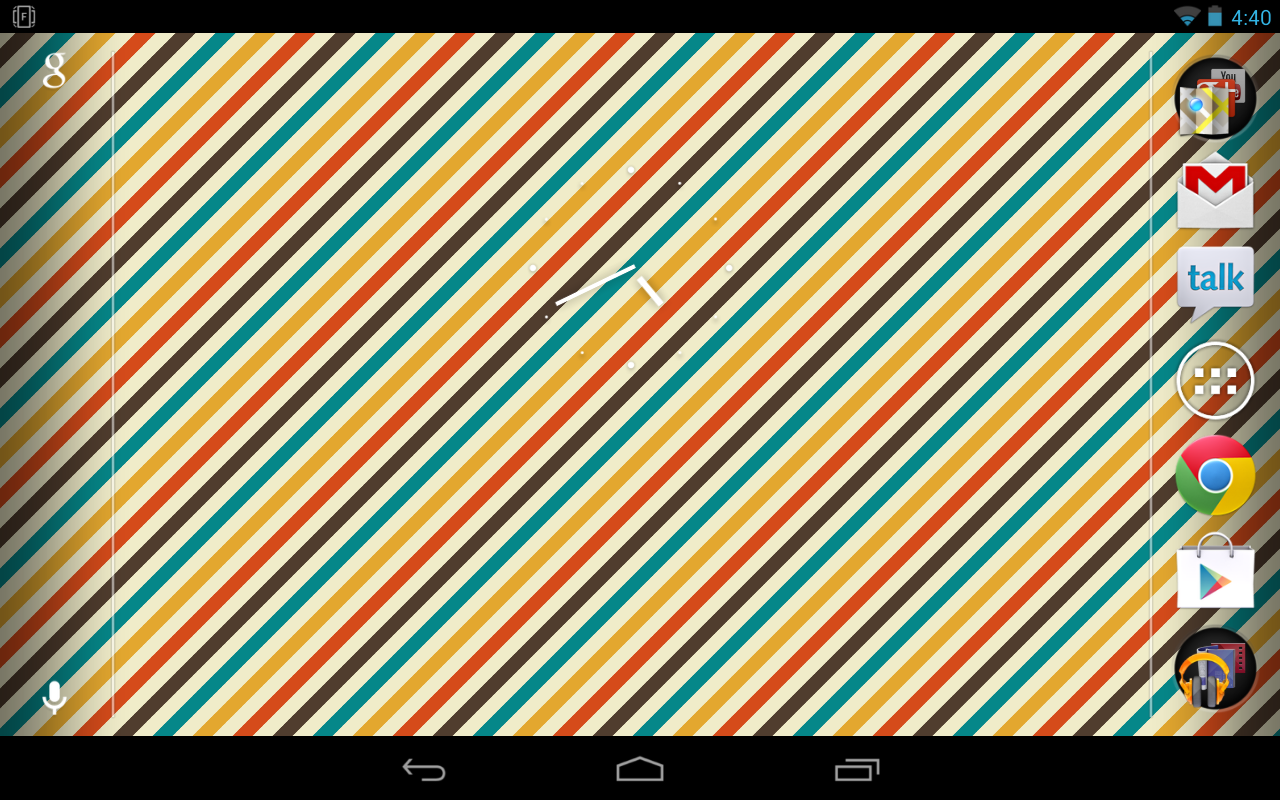
  • I look at this screenshot and I return to my comment in the post about that Pattrn thing or something.

    I like Motorola’s stock wallpapers because they make everything that is on my homescreen perfectly legible and readable.

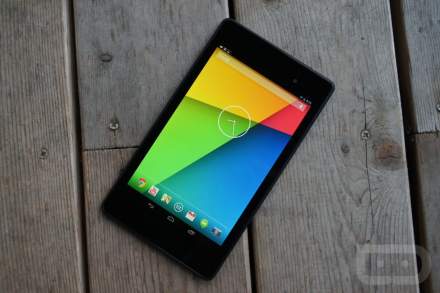
    The clock on the screenshot in this post above is, admittedly, readable. Like, instantly. Perfectly legible.

  • Add HDMI in-out, and googleTV functions BUT keep it arm so it maintains it’s android compatibility. As a Gtv owner the x86-ness sucks ass.

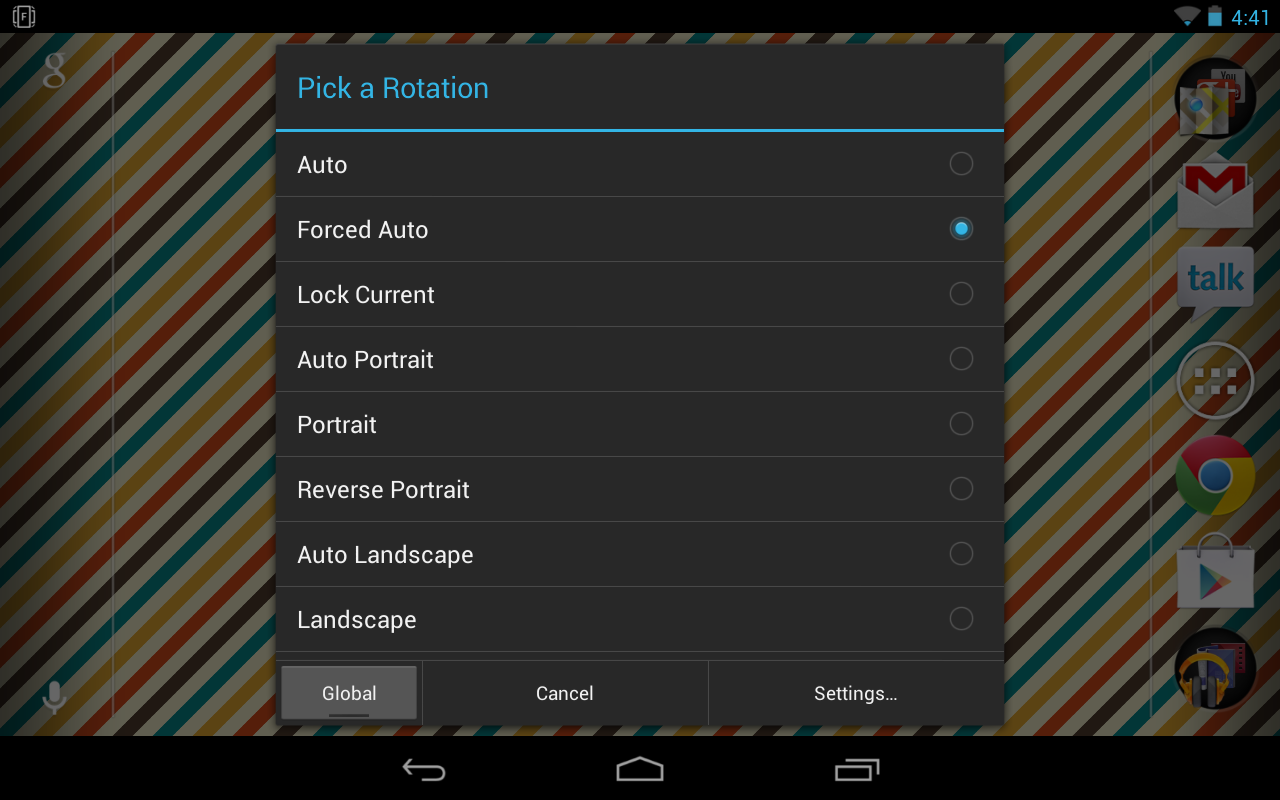
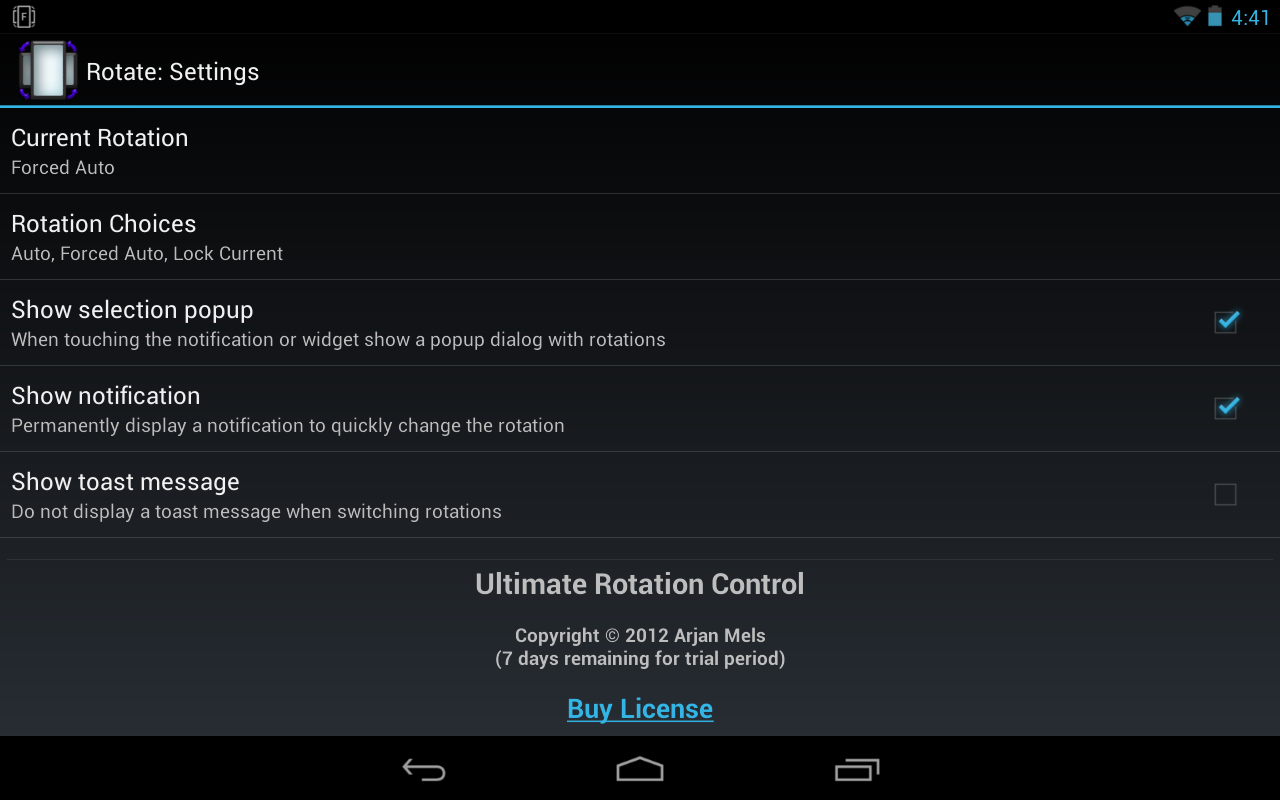
  • Been using this for over a week… since the day after my Nexus 7 arrived, and it works perfectly. I haven’t experienced any problems with lag or anything else. There is a free version you can download to try out for 7 days, and then you can purchase it should you wish to keep it. Also, you don’t have to have a constant notification with this app…there is a setting to remove it.

  • I’ve been using Ultimate Rotation Control since I wanted to get my Galaxy Nexus to work in the pos verizon car dock. It’s worth it imho.

  • what about just installing a new launcher like nova launcher or something

    • Right?

      Not sure why the constant advertising of this app when just about every 3rd party launcher on the planet handles this…and there are free, extremely functional versions of Nova and Apex out there.

      I’ll just install Nova on the thing (bought it for my G-Nex) and be done with it. No need for yet another constantly running app…

      • Because not all of us want to install a different launcher and like the stock. I installed Nova before and didn’t care for the way it transitions the home screens like honeycomb having the rotating vector line graphics.

        • If I am not mistaken, you can change (or even remove) the animations for screen transition, can you not?

          (I admit you might actually know more about that then I, I set the transition to “tablet” and forget about it…)

          honestly, the only thing I miss from the default launcher is the icon-shuffle when placing widgets, but even that has it’s drawbacks (doesn’t know if it should make a folder or shuffle the icons when dropping a new shortcut on the home screen…annoyed the crap out of me initially which is why I changed.)

          Not sure if that’s still an issue on the default. Honestly haven’t used it since the initial leak.

  • Just a side note from someone with a Xoom and a N7 screen rotation is not that critical and actually causes apps to misbehave……from experience!

  • I’ve seen at least a few people say this app bogs things down for them… just FWIW.

  • Nice, I heard smart rotator works as well. Our company has finally gotten their shipment in and is giving out Nexus’ on Thursday to the department heads, so I’ll definitely check this out then.

  • you can also do this in Nova Launcher. set the Nova settings to auto-rotate and then just turn the system auto-rotate on. But i guess this is a good option if you dont want to stop using the stock launcher

    • Other launchers are always a solution… I just don’t want to deal with another launcher . . .

  • Why do all these rotation apps have a constant notification?

    Also I have an app called set orientation that was free and works perfectly.

    • So that they don’t get unloaded.

      Notifications prevent the OS from unloading the intent/process.

  • Even better is to use the widget. I placed the 1X1 widget in the scrolling dock on my Nova Launcher. This custom toggles through the rotation modes you select. Very handy. Was the best solution for the Galaxy S3 as well (better than the drop down toggle included in the stock notification bar).

        • My comment was more me poking fun of your comments narrow target audience. I myself root/ROM/etc, i just thought it was funny. ANYWAY:

          10-20%? Really?

          I’d guess the following of android phone owners:

          Around 1% Root
          Around 1/8 of THOSE add ROMs
          Around 1/8 of THOSE are willing to alter individual files

          Leaving it at about .015% of the android owning population.

          I’d say you’re right about the Droid Life leadership though

        • Lol… did have a Thunderbolt. First in line on launch day for Nexus. Wife now has my Bolt… 🙂

          • I almost thought you said “my wife now has me by the balls…” Not sure why though. Thought maybe because you’re buying all these devices and now she owns you ’cause she’s ANGRY like a Hulk! lol

            I really do need more sleep. Also more coffee. Mmmm…coffee… (in Homer voice)

        • I have a Thunderbolt, mainly because of that kickstand. Wish my N7 had one, but I guess a case will have to do.

Comments are closed.

back to top