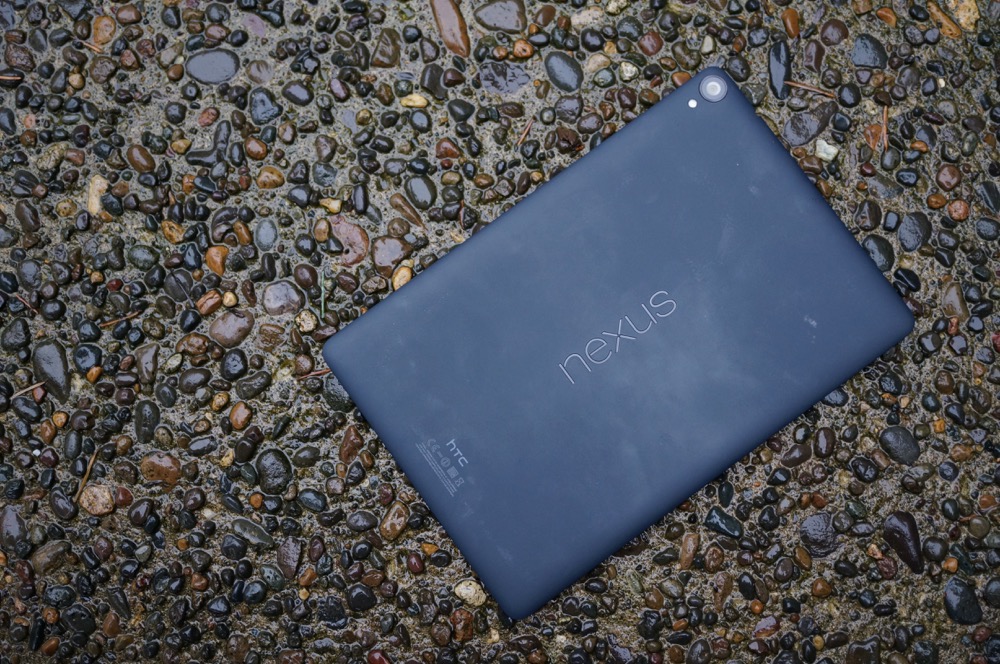
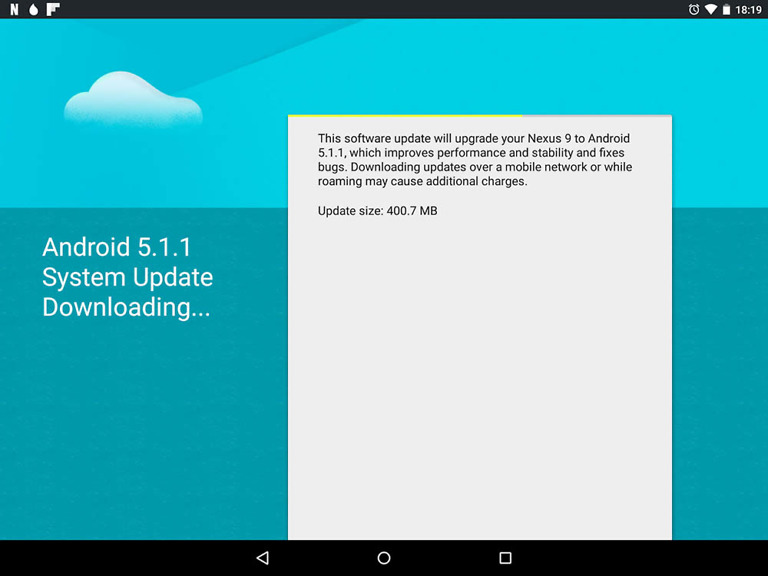
Moments after the OTA .zip for the Nexus 9 Android 5.1.1 update was captured, Google went ahead and posted up the factory image for it as well. So for those of you who don’t want to “adb sideload” the over-the-air file, you can now flash an entire factory image.
Here are the instructions on how to flash a Nexus factory image.
Go get it.
Factory Image Link (Nexus 9 WiFi)




Buy the latest Nexus Phones and Tablets online only at (NexusPhone Deals,com)
Happy all you Nexus 9’ers? Still dont have this on the Nexus 6.
Just want to confirm, will flashing the factory image wipe the virtual sd card too? I’m looking to completey wipe the tablet, not wipe and save photos etc.
If you allow it to flash the userdata partition in the flash-all script, it will completely wipe the tablet of all data.
Awesome thanks!
What a pain in the butt these two updates have been!! I had one of the 9’s that was erroring out on the 5.0.2 OTA… Wound up using ADB sideload to get 5.1.1 on there. Seems to be ok now. Crossing my fingers anway!
More Best things droid
————— <a href="http://www..com”> SEE MORE INFO<—– <<<<
You know what’s more awesome, is the smudging and scratches on the textured back from long ass finger nails
Slow news day. 2 posts with pretty much the same info
Same device different things. One is ata and zip sideloading, the other is factory image which is different and a good thing to exist.
I wonder if the Nexus 4, 5, and 6 will ever get 5.1.1? The Nexus 6 smartphones should have been the first to get the 5.1.1, but noooo, Google just had to update the tablets and player before the smartphones.
5.1.1 is a service update that fixes device-specific issues. There probably aren’t any issues in 5.1 on the Nexus 4/5/6 that need fixing with a x.x.1 update.
You are probably right.
Now to just sit back and wait for the, “Where’s the droid turbo update?” people
That was original 15 articles ago. C’mon guys, let’s move on.
Yay Nexus 9!
See, that wasn’t hard. 😛
Kellen, you need to find some sand to start laying your devices face down on now. =p
Any surface in a pinch. /s
Molten lava, perhaps?
Ahh yeah, maybe some Thermite or sulfuric acid?
I could do some underwater shots, on a rock with a fish, maybe.
Or being held against a mermaid’s bosom.
Belt sander.
They could make a gif of that… lol!
i think he does it for fun, to watch us go nuts. he also never confesses if he puts anything under it it, just a total mind game! come on kellen!! tell us!! stop messing with us!
http://3.bp.blogspot.com/-e3pePogR_L8/Ujz6NOsLkdI/AAAAAAAABGA/iYGfOCzaBiU/s1600/are+you.png
What’s up with that picture? What the heck.. Why would you put a tablet face down in a wet rocky floor??
To have you write the above question.
Damn.. I feel so manipulated now…
They put down a pad first to lay the phone on.
I was about to ask about that… lol. Wet rocky ground, whoaaaa now.
That is exposed aggregate concrete. Like a sidewalk or patio.
Edit: They put down an iPad first to lay the phone on.
I fixed it for you.
🙂
☛☛/☛☛☛☛Freelance with Google at Home@nv31:::
.,
➨➨➨http://FullSupportedJobs_Consulting.com/Talis/central…
That has always bothered me. Android Police and Android Central do the same thing. It’s like they do not like the Android devices they get for free.
You people with your OCD. $10 says there is a piece of cloth or something similar beneath the tablet. Even if there isn’t, you shouldn’t let things like that get to you. If someone wants to trash their stuff, it’s their prerogative.
You must be new here.
LOL This is now not only an inside running joke, but I believe it is now expected that at least one picture of each device be of it face down on rocks or similar surface. We would be disappointed if it wasn’t included.
they do it every single time. no worries. we’re use to it
Yeah, this is the first one where I’ve gone so far as to think “Oh, stop!” Wet rocks. Come on.
I am dreaming. This is not happening is it…?
First thing that I thought of…
Is this real life?
https://youtu.be/9nn1b6KANEc?t=21