
 Kellen
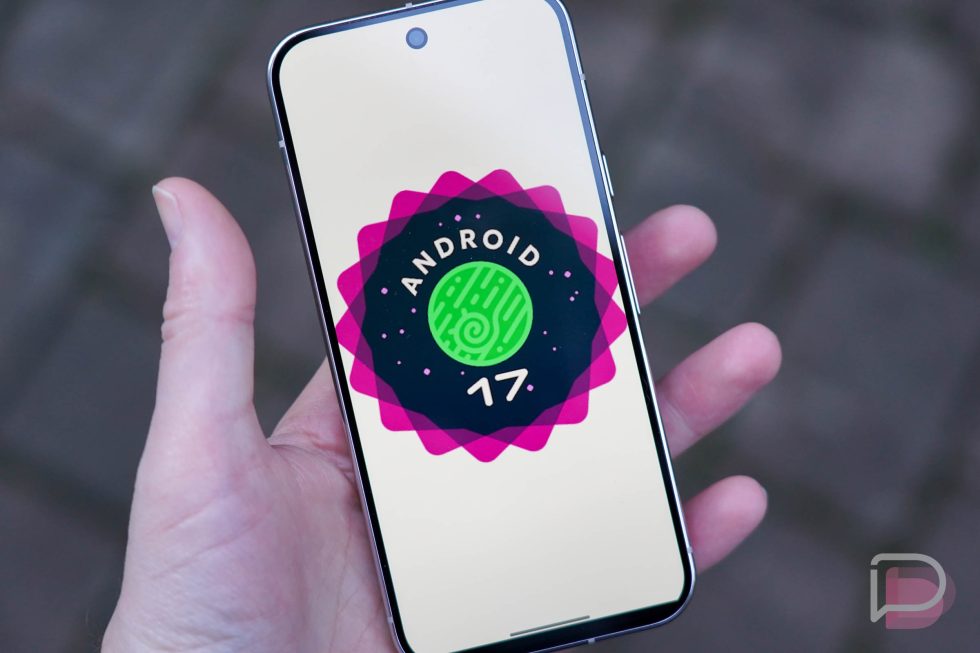
Android 17 Beta is officially live and we’ve got it up and running on a Pixel 10 Pro. You could have it on your device as well, since this is a beta build out of the gate, thanks to Google skipping the developer preview builds for this new version of Android.
After a short mix-up on the launch, Google pushed out the Android 17 Beta 1 today to every Pixel device from the Pixel 6 up through the Pixel 10 series. If you own one of these devices, you can sign-up to receive the update to Android 17 Beta 1 through the Android Beta Program (here). Should you? Well, this is a beta, so you can expect bugs here and there. However, this should be much more stable than a developer preview and is probably safe enough to put on your device. Should you run into issues, you can always exit the beta program and start clean.
Time to dive in and find fun new toys to play with.
Everything new in Android 17 Beta
Android 17 is indeed “CinnamonBun”
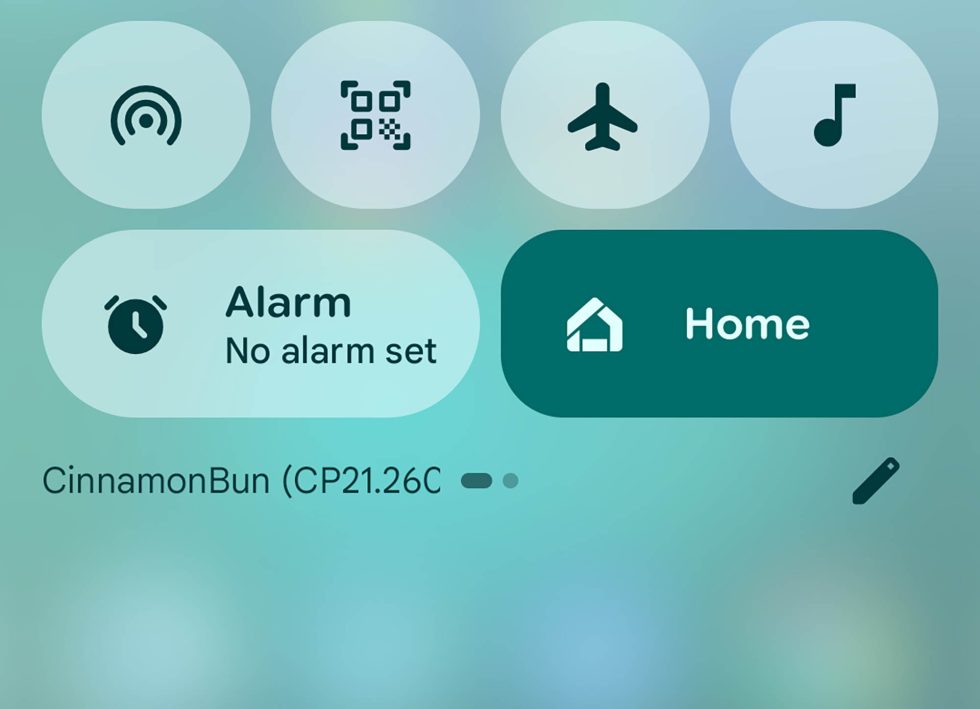
Not that we didn’t believe the codename for Android 17 was “CinnamonBun,” but it’s now official. In this first Android 17 Beta 1 update, we can see it right here in the notification shade. Now I’m hungry.
Pixel Launcher search bar can now be customized further
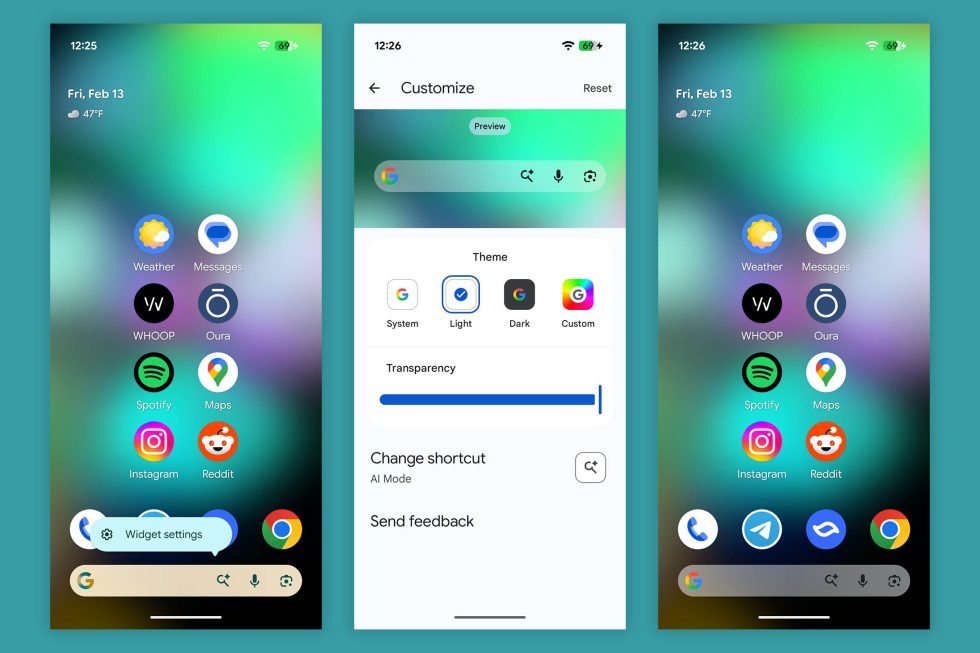
This seems new to me – the Pixel Launcher’s Google Search bar can now be long-pressed and then customized. The options for customization, which used to only change a widget that was added to home screens, now actually changes the pinned search bar in the Pixel Launcher.
Previously, at least on my Pixel 10 Pro XL running Android 16, you simply couldn’t long-press on it. However, you can customize a search bar in settings that look like this, but they then add an extra Search widget rather than update the pinned bar.
It’s tough to know if this is a Pixel Launcher update or something to do with Android 17.
Official Changelog – Android 17 Beta 1
User Interface & Windowing
Mandatory Large Screen Adaptivity
Apps targeting Android 17 (API level 37) running on large screens (sw ≥ 600dp) can no longer opt-out of resizing or orientation changes.
- Ignored Attributes: screenOrientation, resizeableActivity, minAspectRatio, and maxAspectRatio are ignored on large screens.
- Exemptions: Devices smaller than 600dp and apps categorized as Games (android:appCategory).
Optimized Configuration Changes
To prevent state loss, the system no longer restarts Activities by default for specific configuration changes, including:
- CONFIG_KEYBOARD / CONFIG_KEYBOARD_HIDDEN
- CONFIG_NAVIGATION
- CONFIG_TOUCHSCREEN
- Action Required: If your app relies on restarts to reload resources for these events, you must explicitly opt-in using the new android:recreateOnConfigChanges manifest attribute.
Performance & Runtime
- Lock-free MessageQueue: A new lock-free implementation of android.os.MessageQueue reduces missed frames.
- Generational Garbage Collection: ART’s Concurrent Mark-Compact collector now supports generational GC, prioritizing frequent, low-cost “young generation” collections.
- New Profiling Triggers: ProfilingManager adds triggers for COLD_START, OOM, and KILL_EXCESSIVE_CPU_USAGE.
- Notification Restrictions: Strict size limits enforced on custom notification views to reduce memory usage.
Media & Camera
Camera
- Dynamic Session Updates: Use CameraCaptureSession.updateOutputConfigurations() to switch use cases (e.g., Photo to Video) without closing the session or causing glitches.
Audio & Video
- Constant Quality for Video Recording: setVideoEncodingQuality() in MediaRecorder allows you to configure a constant quality (CQ) mode for video encoders.
- Background Audio Hardening: Audio playback, focus requests, and volume changes initiate silently (fail) if the app is not in a valid lifecycle state.
- VVC Support: Added platform support for Versatile Video Coding (H.266).
Privacy & Security
- Cleartext Deprecation: android:usesCleartextTraffic is deprecated. Apps targeting SDK 37+ relying on this attribute will default to blocking cleartext; migrate to Network Security Configuration.
- HPKE Hybrid Cryptography: Introduced a public Service Provider Interface for an implementation of HPKE hybrid cryptography.
Connectivity & Tools
- Companion Device Manager:
- New Profiles: Medical Devices and Fitness Trackers.
- Unified Permission Dialog: setExtraPermissions bundles nearby permissions into the association dialog.
UPDATE FEBRUARY 15 – Since this update has been so light on changes that you might notice, we’ve gone ahead and added the official set of release notes from Google.
Collapse Show Comments2 Comments