
 Kellen
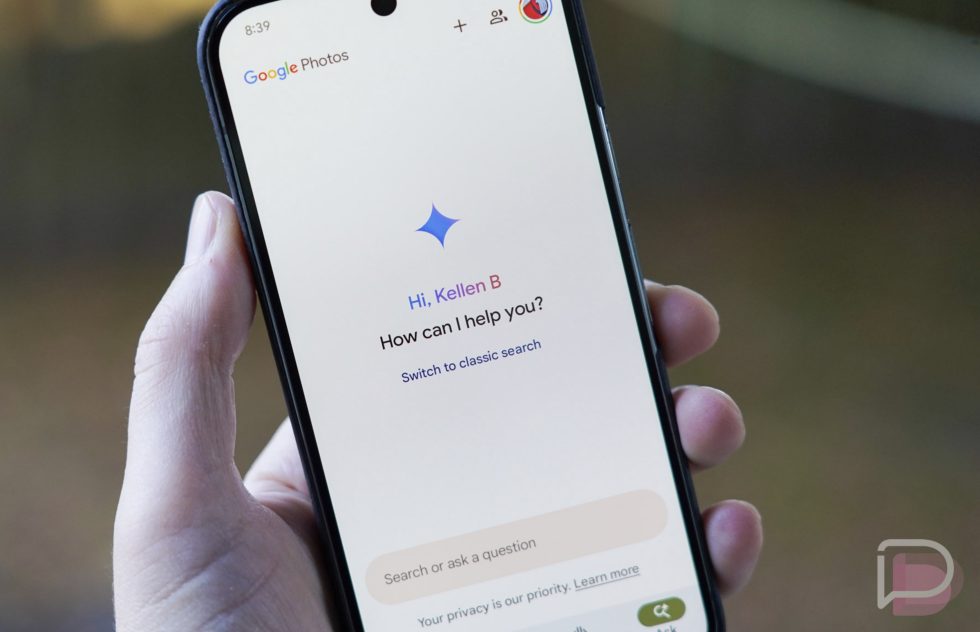
A little over a year ago, Google introduced us to “Ask Photos,” a change to its search capabilities that attempted to use AI to allow for more natural search queries and the potential for more robust results. Unfortunately for Google, by June of last year, they had to pause its rollout because feedback from users was not great. We echoed some of the early talk about how slow the product was, so Google then gave everyone a tweak to the search option that attempted to speed it up some.
Fast forward to today and users are still unhappy with “Ask” in Google Photos. We stumbled into a reddit thread today that has 1,300 upvotes and counting with well over 100 comments from folks mostly complaining about the feature.
The original post is incredibly negative on the feature, with the poster calling it “the worst feature I’ve ever seen.” They describe searching for birds or planes, knowing that they have hundreds of pictures of each, with “Ask” only returning a dozen or so from their Photos history. Others asked why Google was “fixing” an area that worked just fine previously and didn’t need an upgrade. Others called it a straight-up downgrade in terms of search, while some said more pointedly that they “hate it.”
Not everyone was in agreement, though. While they didn’t receive many upvotes, several said they like “Ask,” but maybe not as a full replacement for search. At least one user said they think it works very well at finding old photos and that their initial doubts about it have gone away over time.
I can tell you from personal experience that “Ask” has pushed me away from ever really searching for anything in Google Photos. The slowness, the weird search results returns, and the clunky UI are just not for me. That said, you can turn it off!
How to turn off Google Photos “Ask”
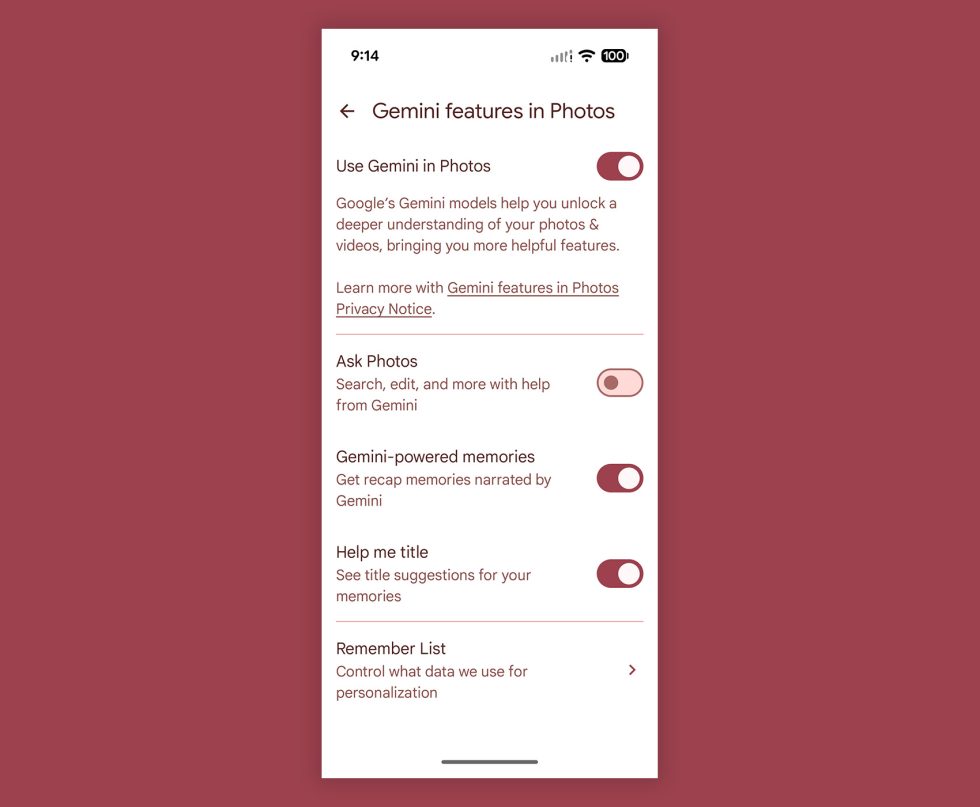
If you’d like to turn off “Ask” in Google Photos and go back to the classic search, this is how you’ll do it on Android and iOS:
- Open Google Photos
- Tap your profile then “Photos settings” or “Google Photos settings”
- Tap “Preferences”
- Tap “Gemini features in Photos”
- Toggle the “Ask Photos” option off
And now you have the classic search back in Google Photos.
Do keep in mind that this also turns off the “Ask” features for editing a photo, where you could have Google Photos edit a photo (“Help Me Edit“) by you typing or voice dictating how an image should be edited. If you like that feature, you’ll need to lave “Ask” enabled.
Collapse Show Comments2 Comments