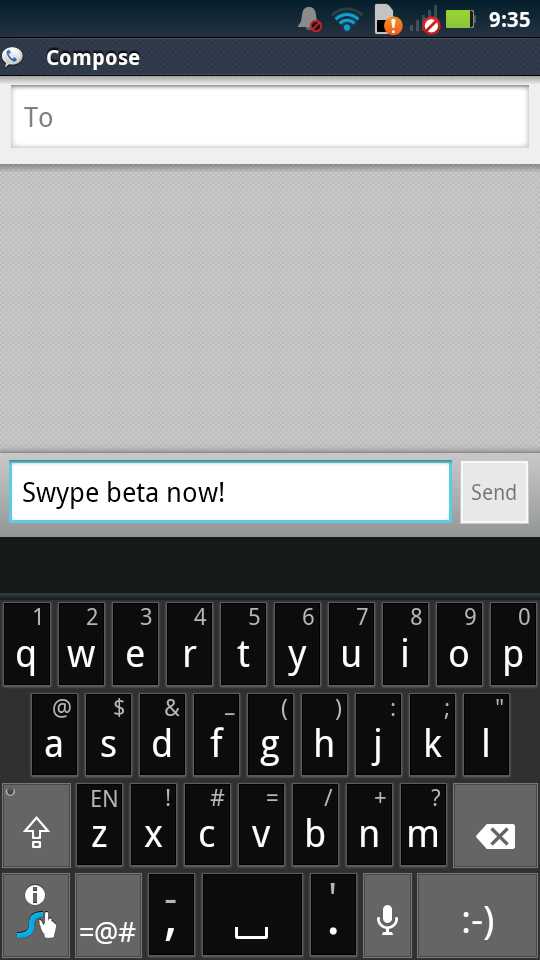
The partnerships that Swype has formed with a variety of phone manufacturers has likely done wonders for the growth of their company. Swype is essentially a household name in the Android game, and a lot of that has to do with it coming pre-loaded on all sorts of phones. But one of the frustrating things as a consumer, is watching their beta product continue to receive updates and improvements on a regular basis while the pre-loaded versions on some phones go without them.
The DROID RAZR is a good example. While it may have a spicy black version that no other phone has, it may never see the new Dragon Dictation and advanced language modeling that were introduced this week with the beta. There could be an OS update to the RAZR from Motorola that will include these features, but that could be months out. And since the keyboard is installed as a System app, you cannot remove it or replace it with the beta. So you are stuck with the custom OEM version of Swype while the rest of the Android crew gets to test out new features in the beta. Frustrating, right?
Well, thanks to a member over at XDA, you can get the beta up and running on your phone after following a few simple, yet specific instructions. We do recommend that you only attempt this if you understand the risks involved and are OK with them. And by that, I mean that you could soft brick your phone without many (or any) options to get you back up and running.
Instructions:
*Proceed with caution. If you remove the wrong file, you could potentially soft brick your phone. And I’m not sure there are any files out there to bring you back from the dead for the RAZR.
*You will need to be rooted.
1. Using Root Explorer – Change your default input method to anything other than Swype.
2. Mount file system as R/W
3. Delete (or move/rename) \system\app\swype.apk
4. Delete (or move/rename) \data\dalvik-cache\system@[email protected]@classes.dex
5. Delete (or move/rename) \system\lib\libSwypeCore.so
6. Reboot
7. Download and Run the latest Swype Beta installer
*Note – If you run into force closes after installing the beta, try removing Swype and the Swype Installer under Manage Apps, reboot and install the beta again.
Via: XDA
Cheers Mike!