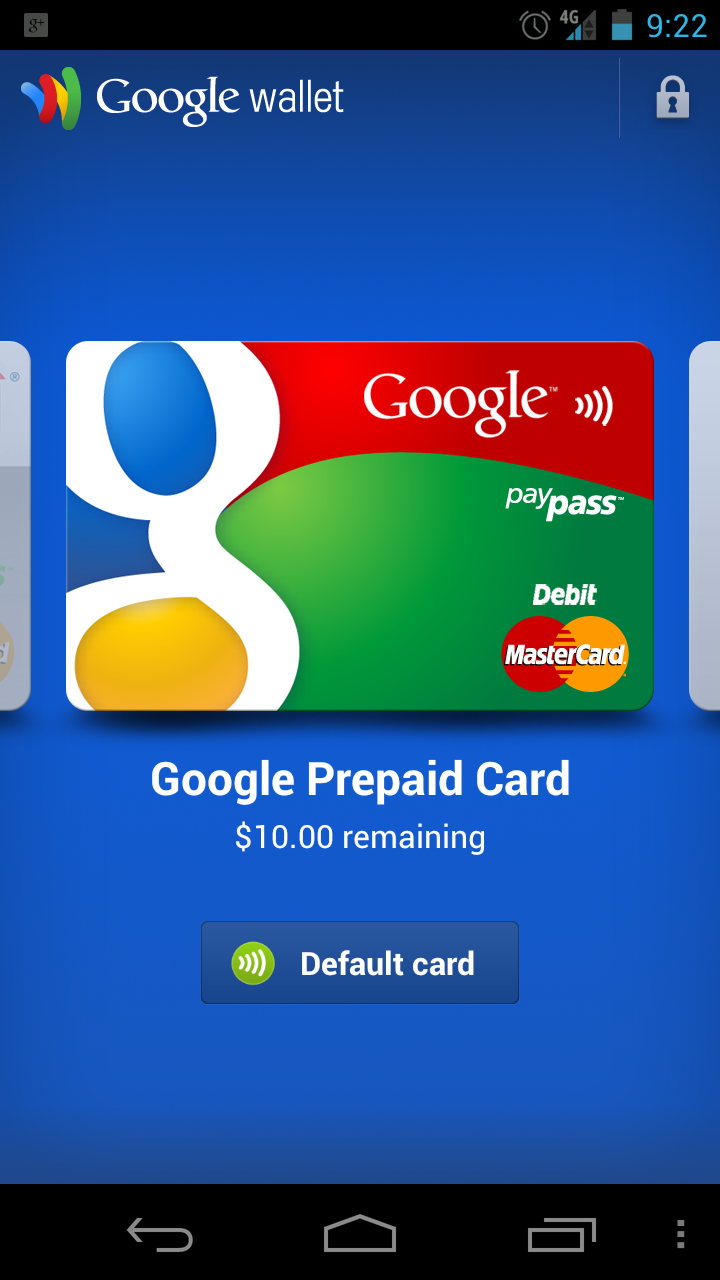
On Friday, a flashable zip file was made available that would put Google Wallet on your LTE Galaxy Nexus. The process was not all that fun, and even after completing it, some were still running into issues. Well, guess what? An .apk has been released that apparently works flawlessly on any Galaxy Nexus device running Android 4.0.2. There is one thing to note though – if you previously flashed the .zip file from Friday, you may have to return to a backup pre-Wallet or this .apk will not work. For those that were waiting and have not messed with any of the Wallet builds, feel free to give it a go.
Download: com.google.android.apps.walletnfcrel-2.apk
Install just as you would any other 3rd party app.
Via: XDA
Cheers Seth!