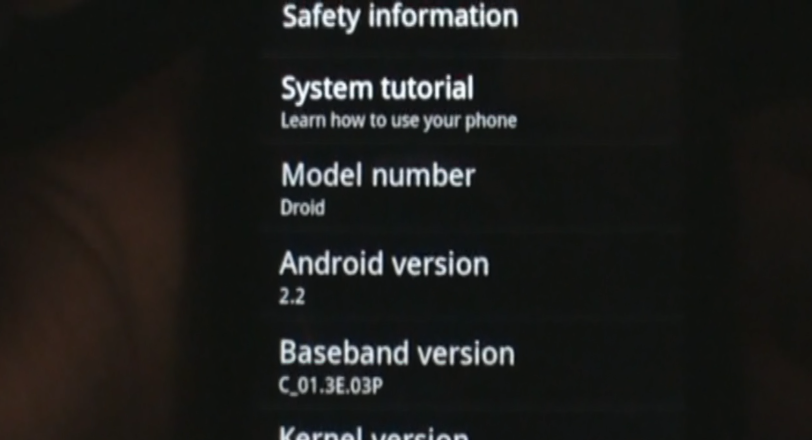
We finally had a chance last night to sit down and do a quick walk-through of Android 2.2 and attempt to give you some sort of an idea of what you can expect from the official release. While the Froyo build which was released over the weekend is technically just a ROM, it’s a pretty polished ROM based off of an official Droid build. Video action below!
Part 1:
Part 2:
_______________________________________________________
Other Motorola Droid Froyo Goodies:
Download and Install Froyo | Download Flash 10.1 for Froyo | Video: Froyo Walk-through/Overview
Froyo Overclock Kernels | New Froyo Baseband | More Froyo Tips
Tip: Move Apps to your SD Card | Tip: Watch Hulu on your Droid | Tip: Use Chrome to Phone


Pingback: The Big Bang Theory - Season 5 - Episode 11
Pingback: facebookofsex
Pingback: url
Pingback: Symptoms Of Low Vitamin D
Pingback: Additional Froyo Tips for Motorola Droid | Droid X2 Life: A Droid X2 Community Blog - All about Android and the DROID X2 lineup of phones, Rooting, Apps, Reviews and Videos.
Pingback: ids property casualty
Pingback: Video: Official Android 2.2 Motorola DROID Walkthrough | Droid Life: A Droid Community Blog
Pingback: Is your Android phone getting Froyo (2.2) upgrade? | Spoiled Geeks
Pingback: Download: Newer Motorola Droid Froyo Leak FRF57 | Droid Life: A Motorola Droid Blog
Pingback: Post Your Motorola Droid Froyo Quadrant Scores! | Droid Life: A Motorola Droid Blog
Pingback: Download: Android 2.2 for Motorola Droid | Droid Life: A Motorola Droid Blog
Pingback: Additional Froyo Tips for Motorola Droid | Droid Life: A Motorola Droid Blog
Pingback: Download: Flash Player 10.1 for Motorola Droid | Droid Life: A Motorola Droid Blog
Pingback: Tip: Move Apps to your SD Card in Froyo | Droid Life: A Motorola Droid Blog