

There’s a chance you already noticed this in your Chrome browser on Android, but today marks the date that Gemini officially expands to everyone, in the US at least.
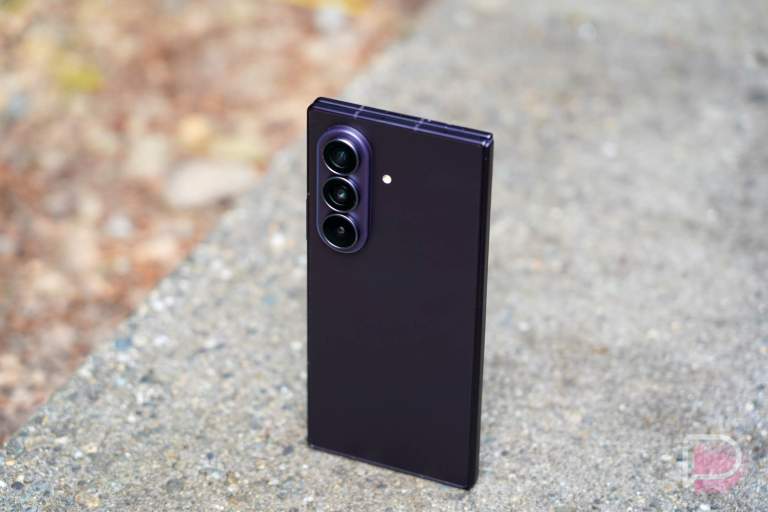
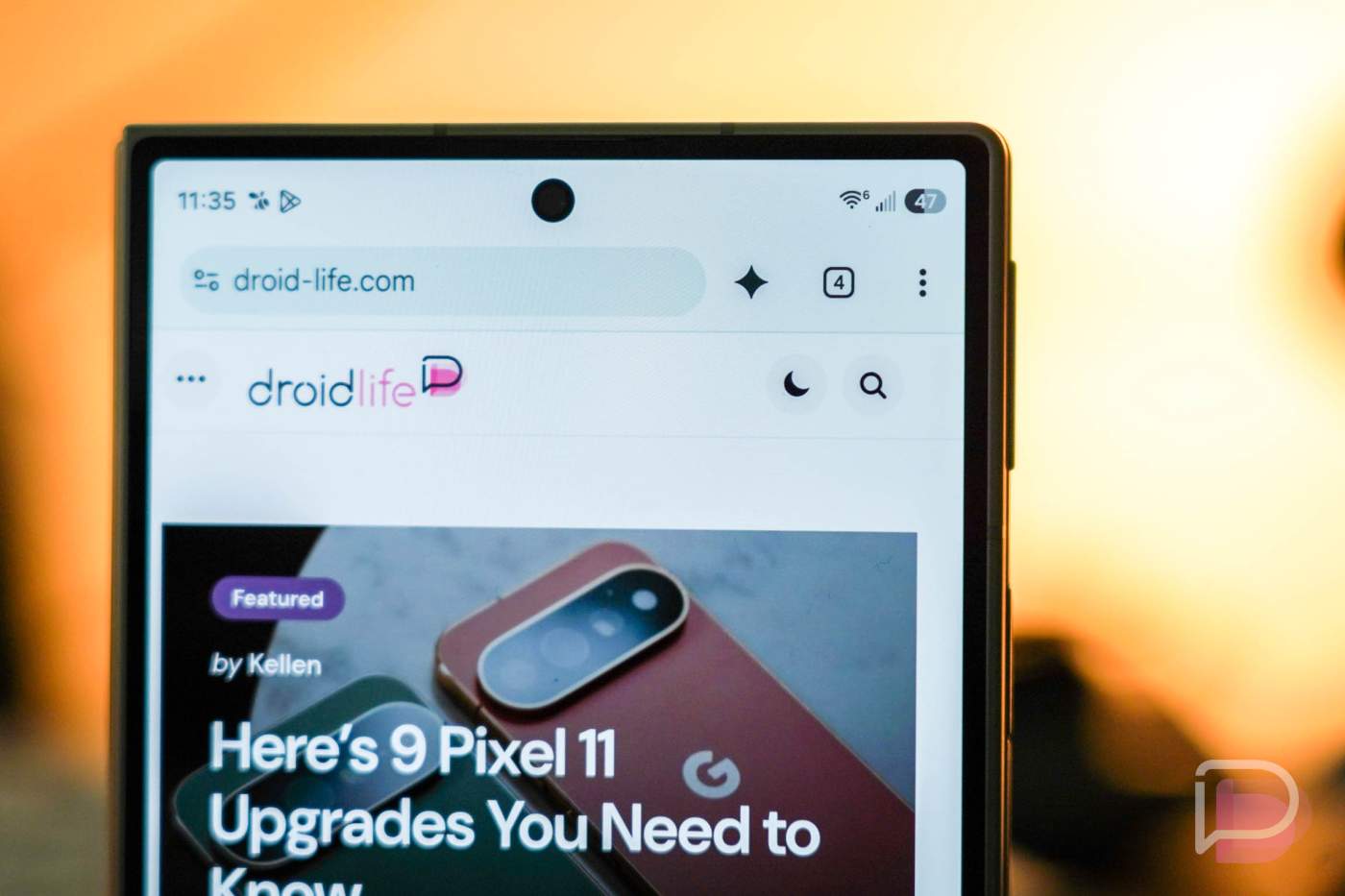
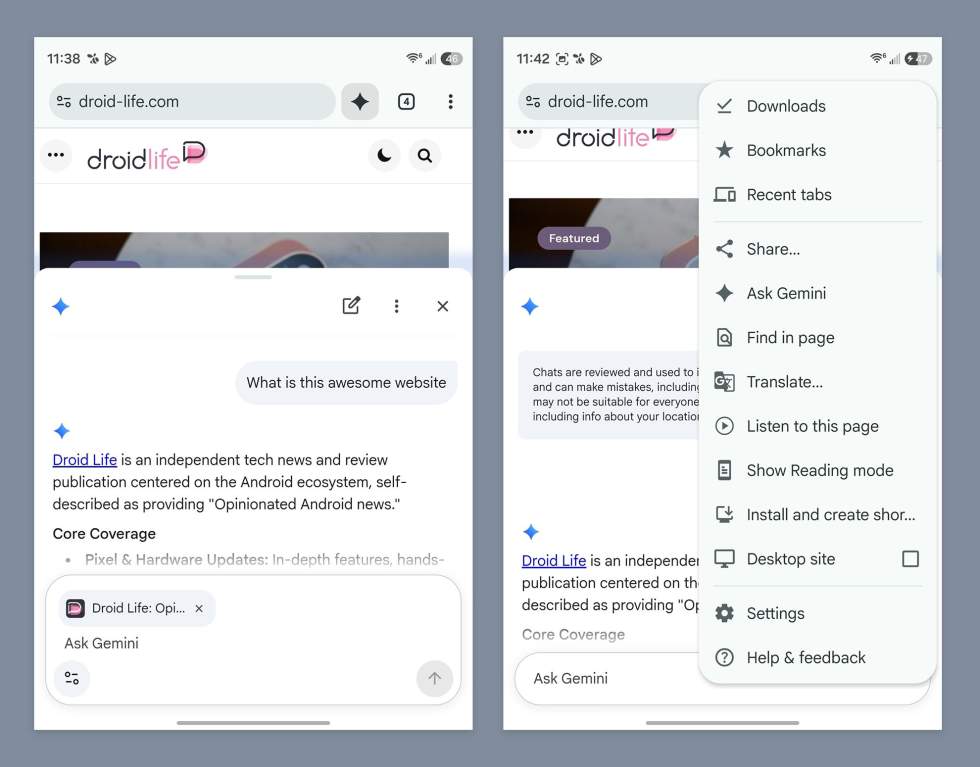
At the top of Chrome in the toolbar, there’s a customizable button that can be a “+” to open new tabs, act as a smart button that changes with the times, or al Gemini shortcut. I noticed the Gemini shortcut last week on my Galaxy Z Fold 8.
Should you tap that Gemini button, you can have it summarize long articles, answer questions about pages, and connect to apps like Calendar and Keep. For those into generative stuff, it can even make images for you with Nano Banana.
For this with Google AI Pro or AI Ultra subscriptions, you can also take advantage of the agentic powers of Gemini, like auto browse.
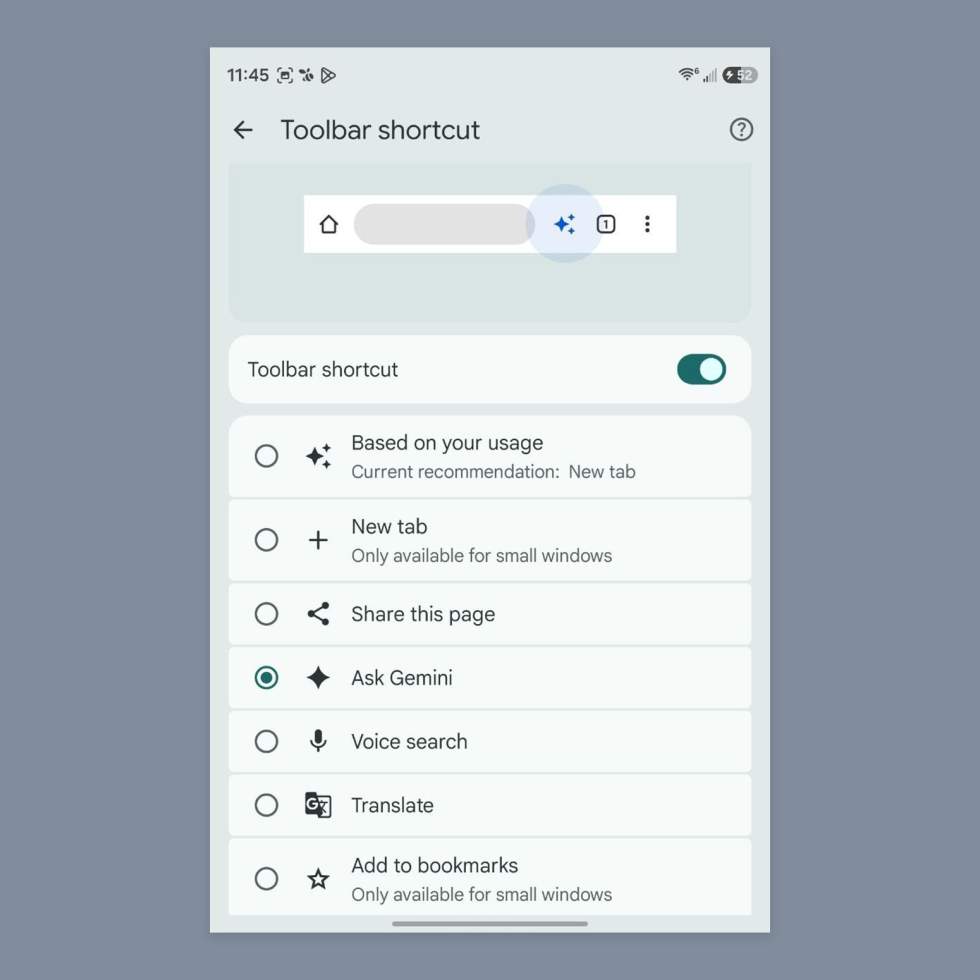
If you aren’t seeing the Gemini shortcut up top, you can always hit the 3-dot menu and then look for “Ask Gemini” within that menu. If you do want that shortcut up top, you’ll head into the 3-dot menu, Settings>Appearance>Toolbar shortcut. Once in there, you’ll have several options that should now included Ask Gemini.
Google Play Link: Chrome
This should be rolling out widely today.