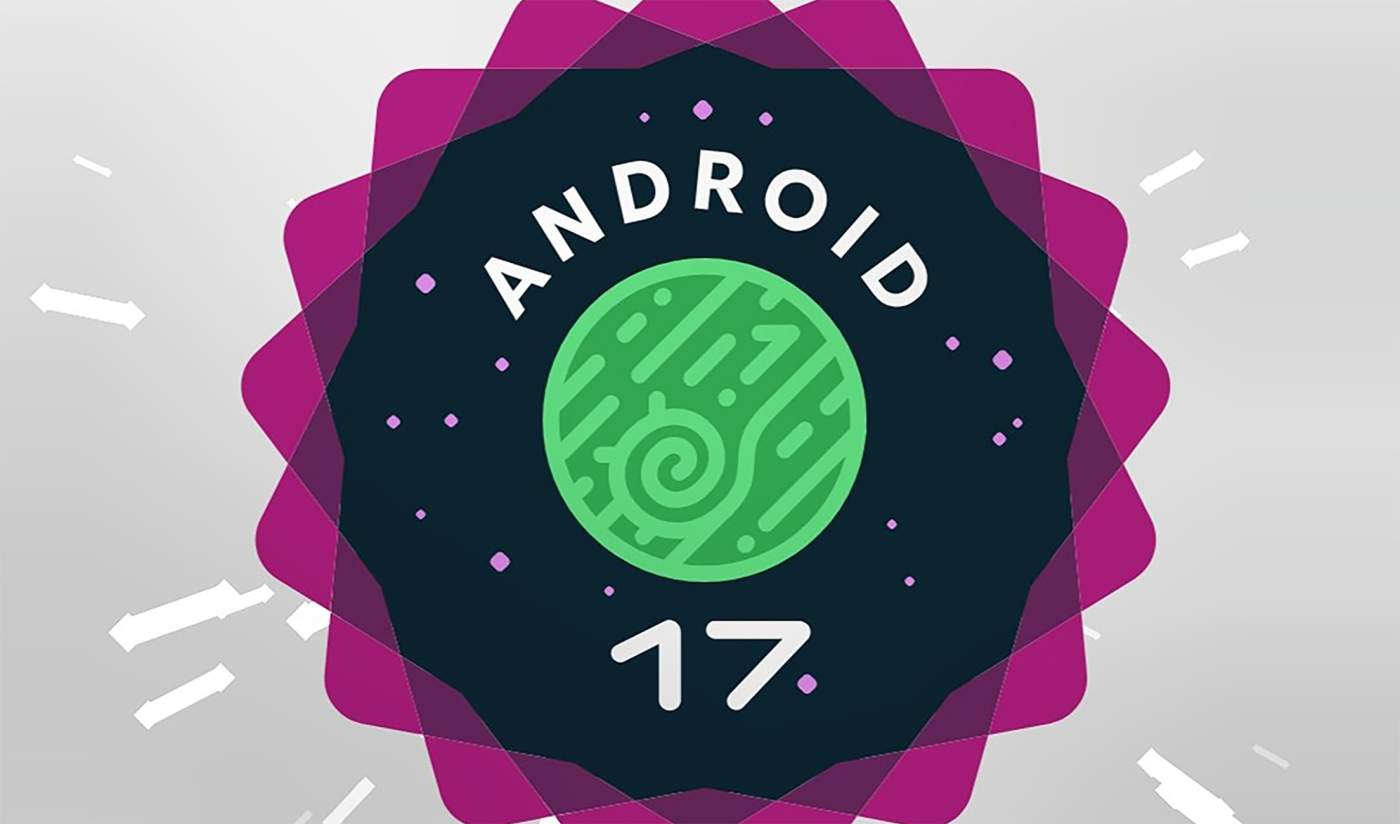

The Android Easter egg has not changed much in recent years, but with the latest Android 17 Beta 4, Google has shown us a bit of a refresh. The space theme is still here, only now we get to play connect-the-stars and then blast into space.
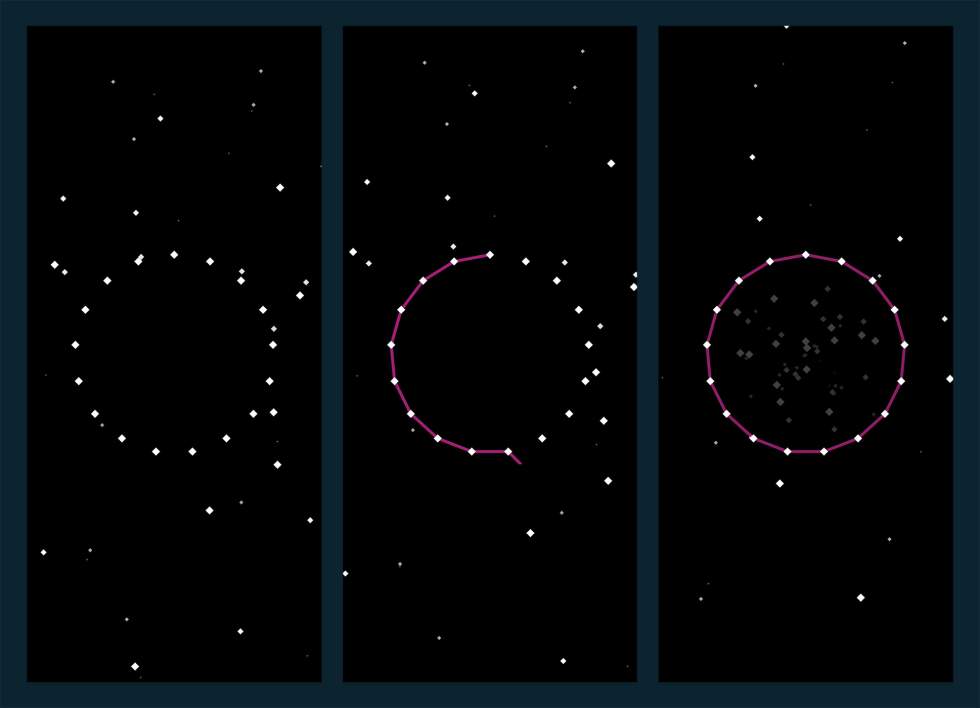
To find this Easter egg, you do as you always do – open Settings>About phone>Android version and then tap on the Android version for 2 or 3 times until you are taken to the screen you see below.
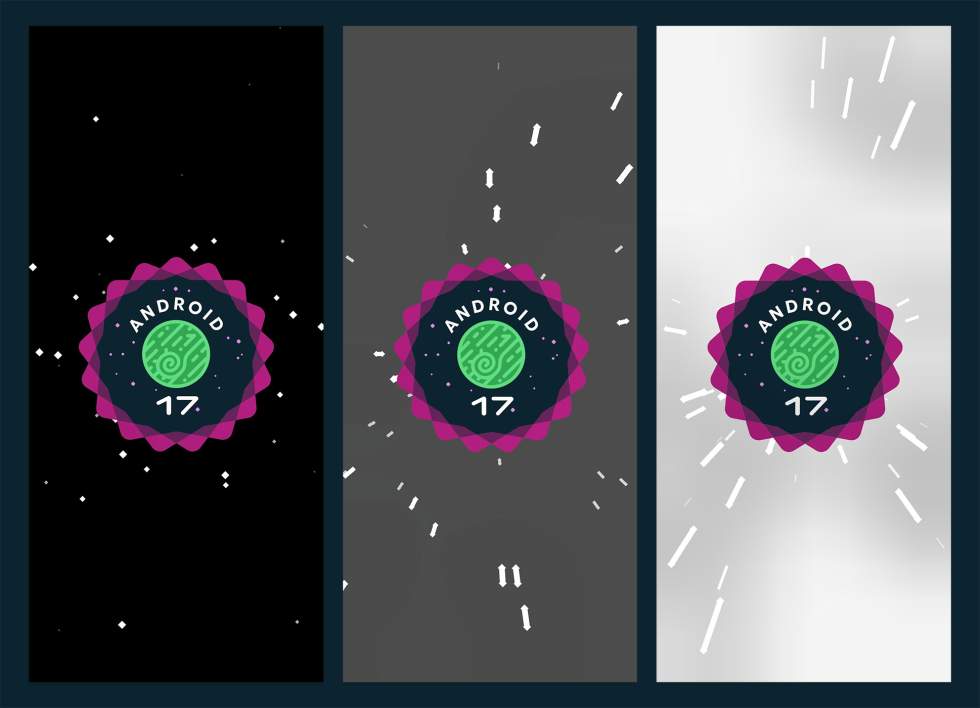
Once there, there are little diamond shapes spread out into a circle. You can drag your finger from star to star to connect, which then shows you the Android 17 logo. To blast off, you long-press on the Android 17 logo. That’ll launch you with vibrations and an animation before you are taken to the space game that’s been a part of the Easter egg for years.
Finding anything else new in Android 17 Beta 4? Let us know.