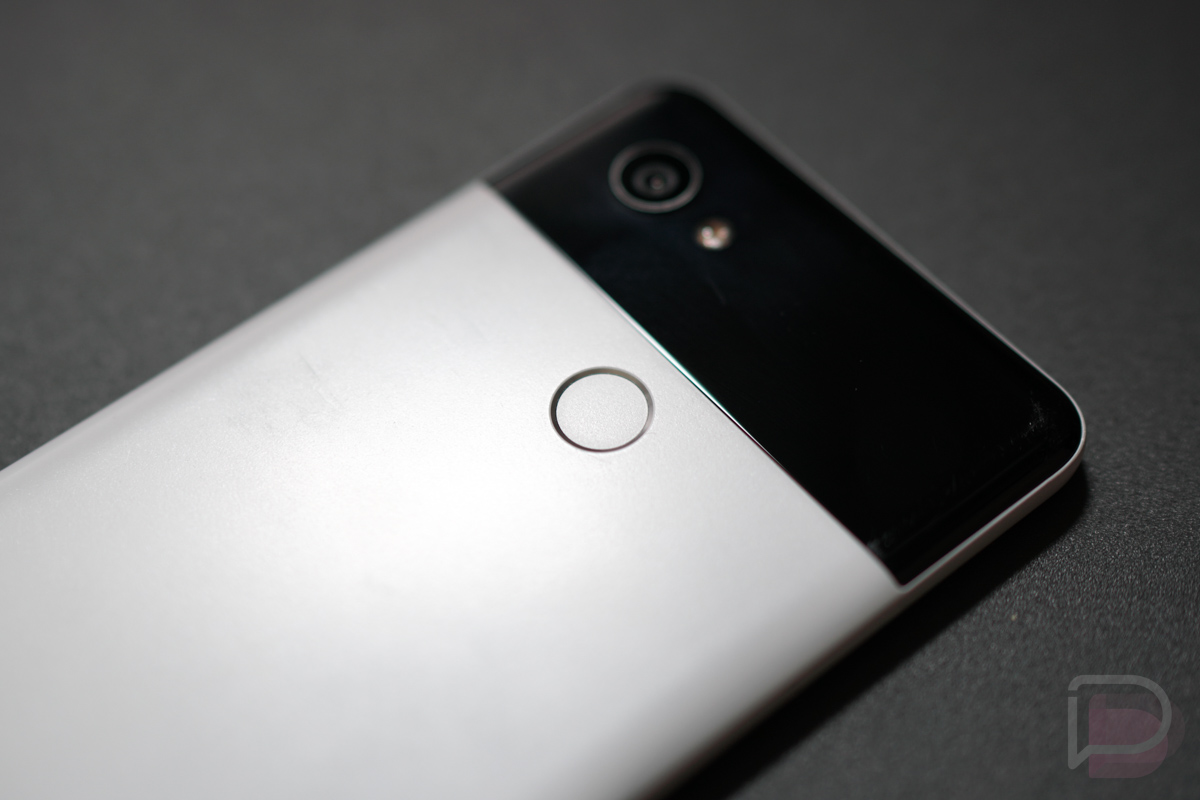

Back in Android 7.1.2, Google added a “move” to the Nexus 5X that let you swipe down on the phone’s fingerprint reader to expand the notification shade. It later came to the Nexus 6P and was carried forward on the Pixel line as a “Gesture” and has been one of the more unique combinations of hardware and software that we’ve seen in Android. Here’s the thing – I never use it. I’d much rather Google add a different gesture, one that allows us to do something as simple as scroll within an app.
For me, checking notifications is done constantly throughout a day, yet I don’t know that I’ve ever reached for the fingerprint reader to check on them. It’s not that the gesture doesn’t make sense for doing that, it’s that I typically am holding my phone with one hand and have the other hand there to easily reach up to the notification area to check. Plus, if you swipe down the notification shade with the fingerprint reader, what are the chances you won’t then need to reach up with your off hand to do something? Pretty slim I’d imagine. I also find that I reach up there anyway, because most notifications now pop-down over whatever I’m doing and I quickly dismiss them that way. So again, it’s easier for me to manage notifications with my off hand rather than with a gesture that starts on the back of my phone.
But scrolling, now that’s something I could get behind.
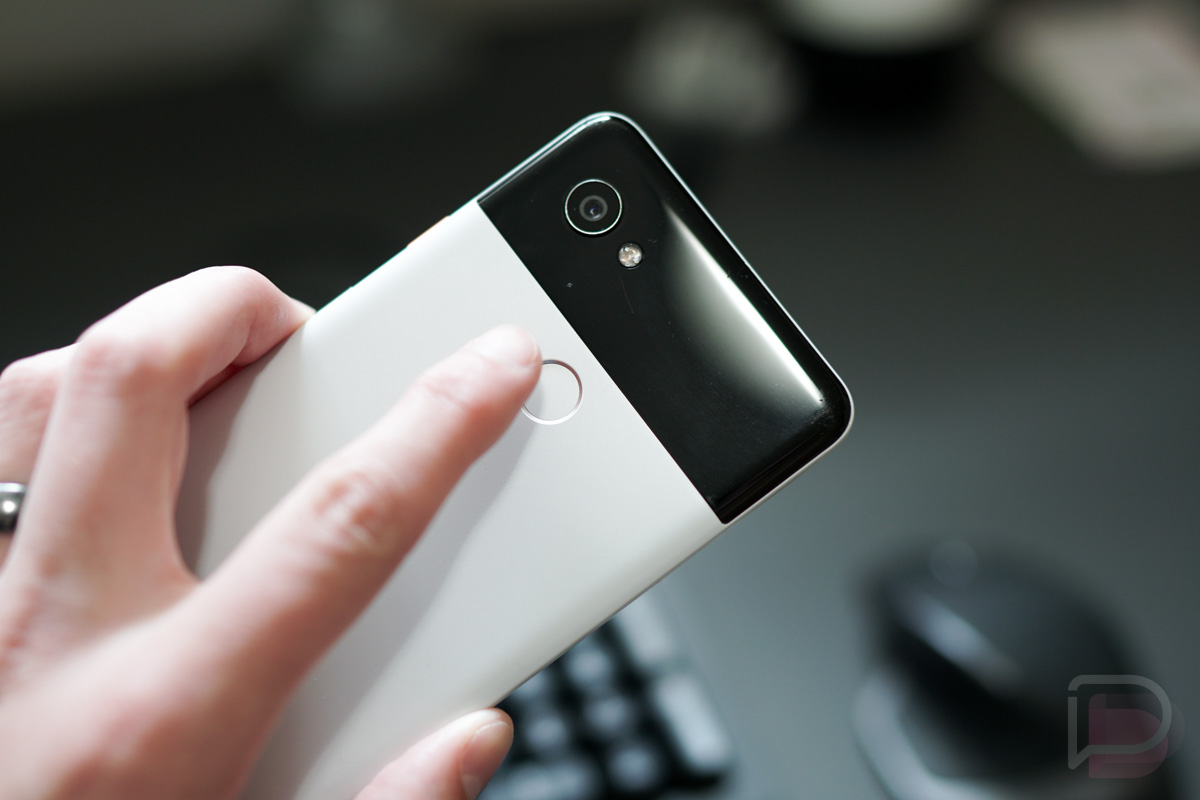
Imagine reading a book or an article or a Droid Life review and being able to casually sit back with your phone in one hand, while scrolling with the rear-placed fingerprint reader. Or consider how much time you spend scrolling with your off hand or thumb while in apps like Twitter and Instagram. Think of this move as turning your fingerprint reader into a trackpad of sorts. This would allow you to continue doing all that I just mentioned without interruption from that off hand or the thumb on the hand you are holding the phone in. I think that sounds amazing.
Now, there are some 3rd party apps that can give you this functionality (and then some). Of course, they aren’t made by Google or built into the system, so they require you give them permissions (like accessibility) and none have rated/reviewed exceptionally well. If Google were to build scrolling in as a gesture, then we sort of eliminate all of that.
I know I could be in the minority, but I’d use scrolling constantly with all of the time I spend in Chrome, Google News, Twitter, and Instagram.
Be sure to check out all of past Android Feature Request ideas!