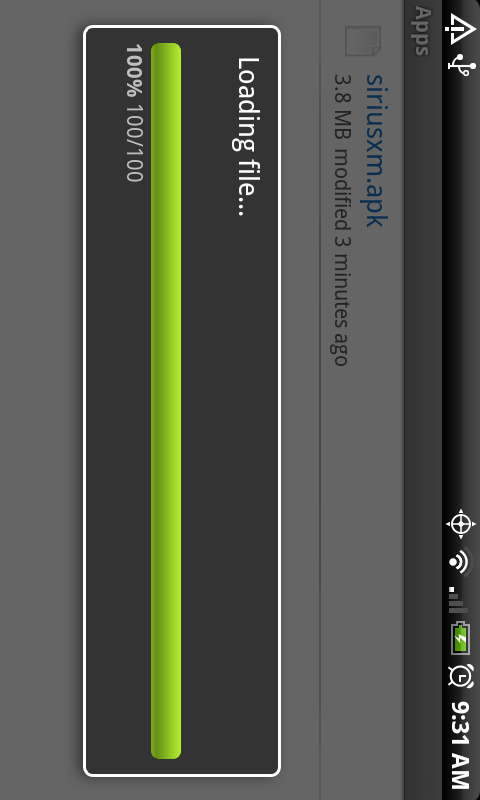
If you’ve ever been unable to download an APK file straight to your Droid or didn’t have a USB cable handy, one of the easiest ways to get that file to your device is through Dropbox.
Instructions…
1. Download and install Dropbox from the market. (It’s free)
2. Set up an account if you do not already have one.
3. Download a file on your computer and upload to your Dropbox account.
4. Open the Dropbox app on your device and login.
5. Browse to the folder you just uploaded your file to.
6. Tap on it to download.
7. When prompted, click “Install!”
Comments or questions?
Cheers @Jamerson90!


Pingback: facebookofsex
Pingback: kinkysex
Pingback: www.facebookofsex.tv
Pingback: click here
Pingback: enter your email
Pingback: Symptoms Of Low Vitamin D
Pingback: Quick Tip: Install APKs Easier using Dropbox | Droid X
Pingback: Box.net packages up an update for their Android app - Droid Life: A Droid Community Blog
Pingback: Android App Review: Awesome Drop - Droid Life: A Droid Community Blog
Pingback: Android Phones » Blog Archive » Cool Dropbox tips & tricks
Pingback: Android Solutions » Cool Dropbox tips & tricks
Pingback: Cool Dropbox tips & tricks | Wireless Style
Pingback: Cool Dropbox tips & tricks | DroidDog Android Blog
Pingback: Friday Poll: Favorite Android Apps Right Now? - Droid Life: A Droid Community Blog
Pingback: [ROM] Bugless Beast V0.1 FRF57 (FROYO) RC - Page 9 - Droid Forum - Verizon Droid & the Motorola Droid Forum
Pingback: HomePipe is First to Stream iTunes Music to Android Devices | Droid Life: A Motorola Droid Blog
Pingback: Androidicas: Instale rapidamente arquivos APK usando o Dropbox | Blog do Android