


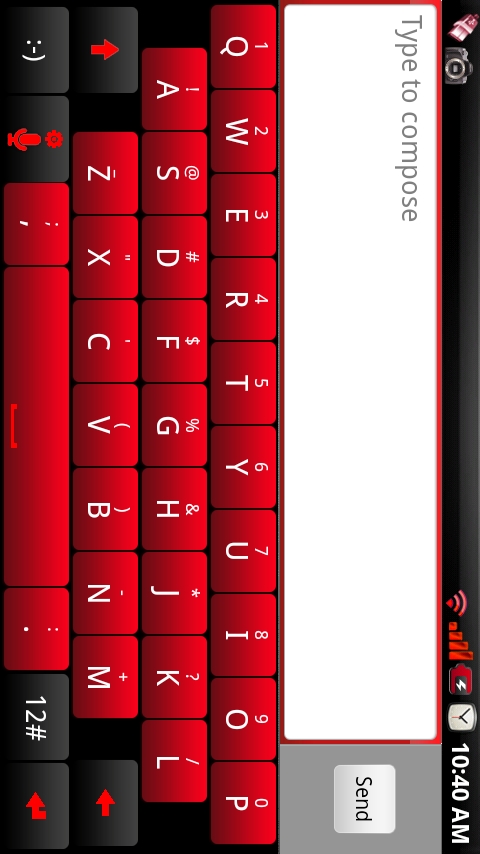
Our favorite non-Swype style keyboard just keeps getting better. As of today, you can work through a step-by-step process and actually create your own customized HTC_IME keyboard. We are now on version 24 and one of the developers behind this ported version has released his beta customization method. Check it out…
*This is for non-rooted and rooted users. Everyone!*
1. Visit this site and register for an account.
2. Choose “Create a custom keyboard skin from scratch.”
3. Choose your keyboard version. (v24 is the newest.)
4. Follow the next few steps, choosing your color scheme.
5. Click “Generate Keyboard.”
6. Download your keyboard and install it. (Installation instructions here.)
Update: It appears that you do need the Clicker file for calibration. Download here.
With this new v24, it appears that the Clicker.apk for calibration is no longer needed and the settings for the keyboard have become much more polished. There are even a few new features which you’ll enjoy.
If you want the keyboard from above that I’ve created, you can download it here. (alt link)
Let me know if you have any issues.
Source: XDA Forums
Cheers Joandy!