Tag: Lock Screen

  • Android 16 QPR2 Adds Lock Screen Widgets to Phones Again

    Android 16 QPR2 Adds Lock Screen Widgets to Phones Again

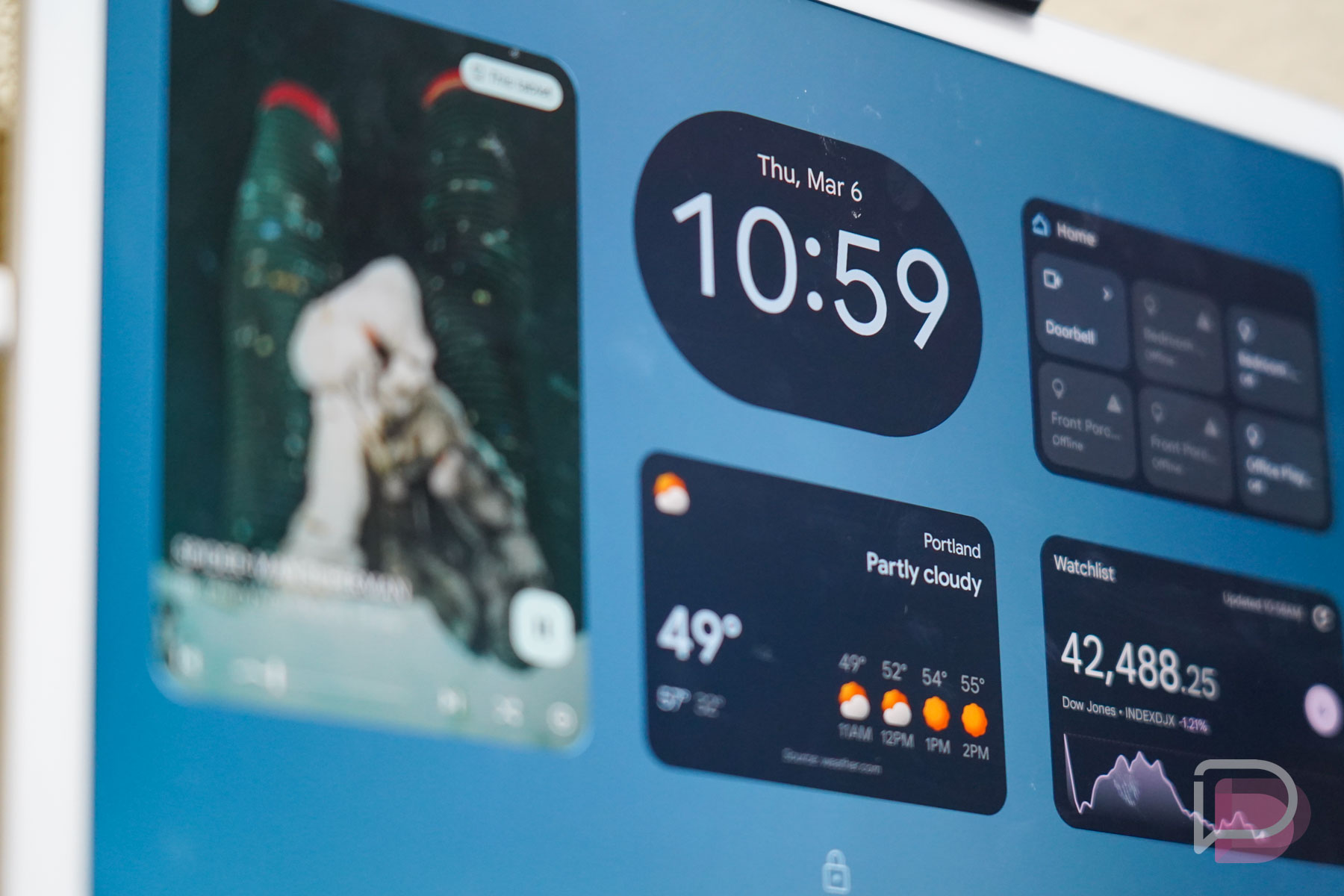
    Lock Screen widgets are fully back! In the first Android 16 QPR2 Beta 1 that was just released, Google added a toggle in lock screen settings on phones to allow “Widgets on lock screen.” We’ve come full circle on this feature, after Google removed them so many years ago.

    Android 16 lock screen widgets: Back in March, Google confirmed that widgets would return to the lock screens of phones after bringing them to the Pixel Tablet. They said at the time that this feature would arrive once Android QPR1 was released, and well, this is QPR2 and here we are.

    Once enabled (Display & touch>Lock screen), a widget panel will live off to the right side of your lock screen. You can swipe over, long press, and then edit or add new widgets to it. It all works like it does on the Pixel Tablet, for the most part,  you just have less screen real estate to deal with. You can create multiple pages of widgets, though, since only a couple of widgets can quickly take up a single screen.
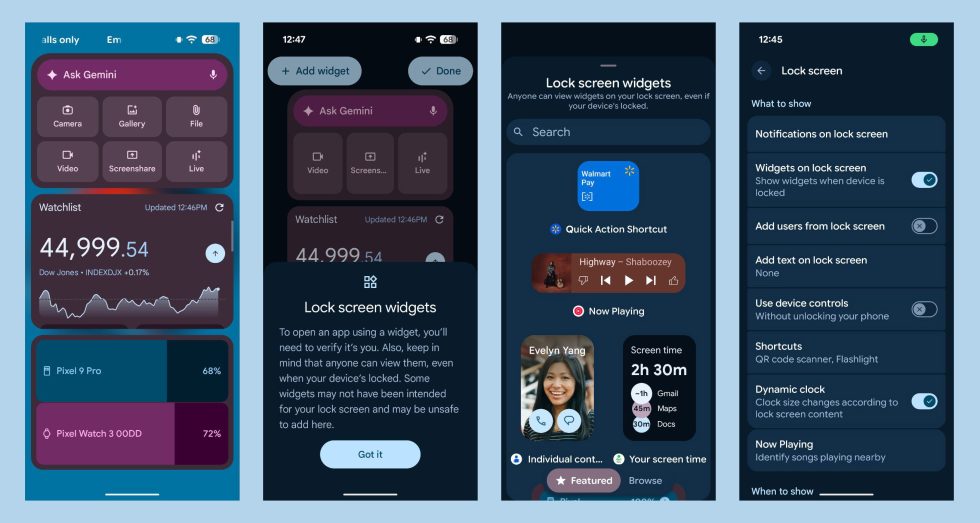
    Android 16 QPR2 Lock Screen Widgets

    Do note that Google warns of a lack of privacy with these widgets. In fact, they point out that “anyone can view them” by swiping over to the widgets panel. Still, these could come in handy for quick bits of info like we had long, long ago.
  • Beware Glance, Coming Soon to an Android Lockscreen Near You

    Beware Glance, Coming Soon to an Android Lockscreen Near You

    In late 2017, Google updated its developer policy, disallowing lockscreen ads. To quote them, the updated policy said that apps “may not introduce ads or features that monetize the locked display of a device.” Well, those days are long behind us, with Google-backed Glance set to make its way to the US here in the upcoming months.

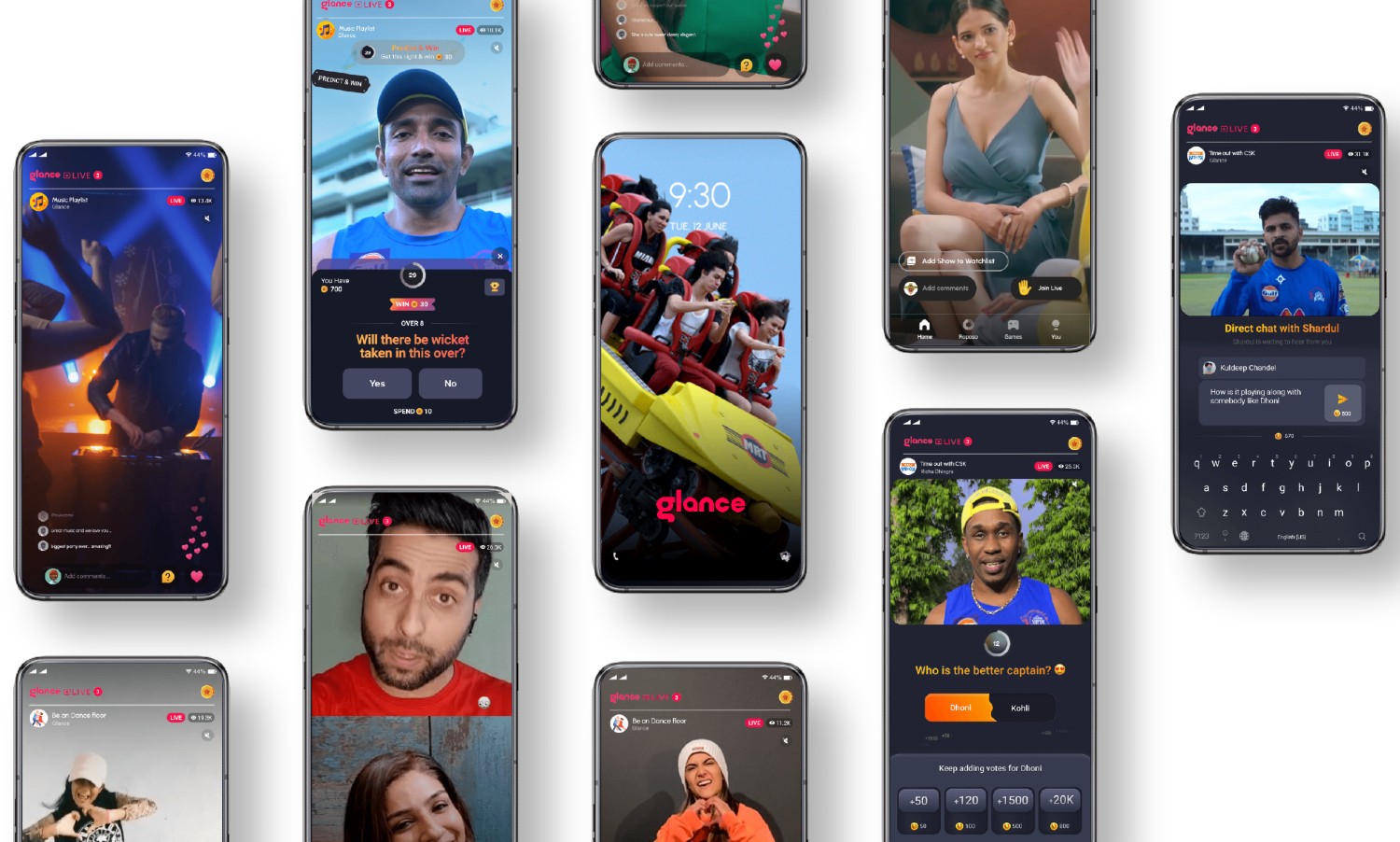
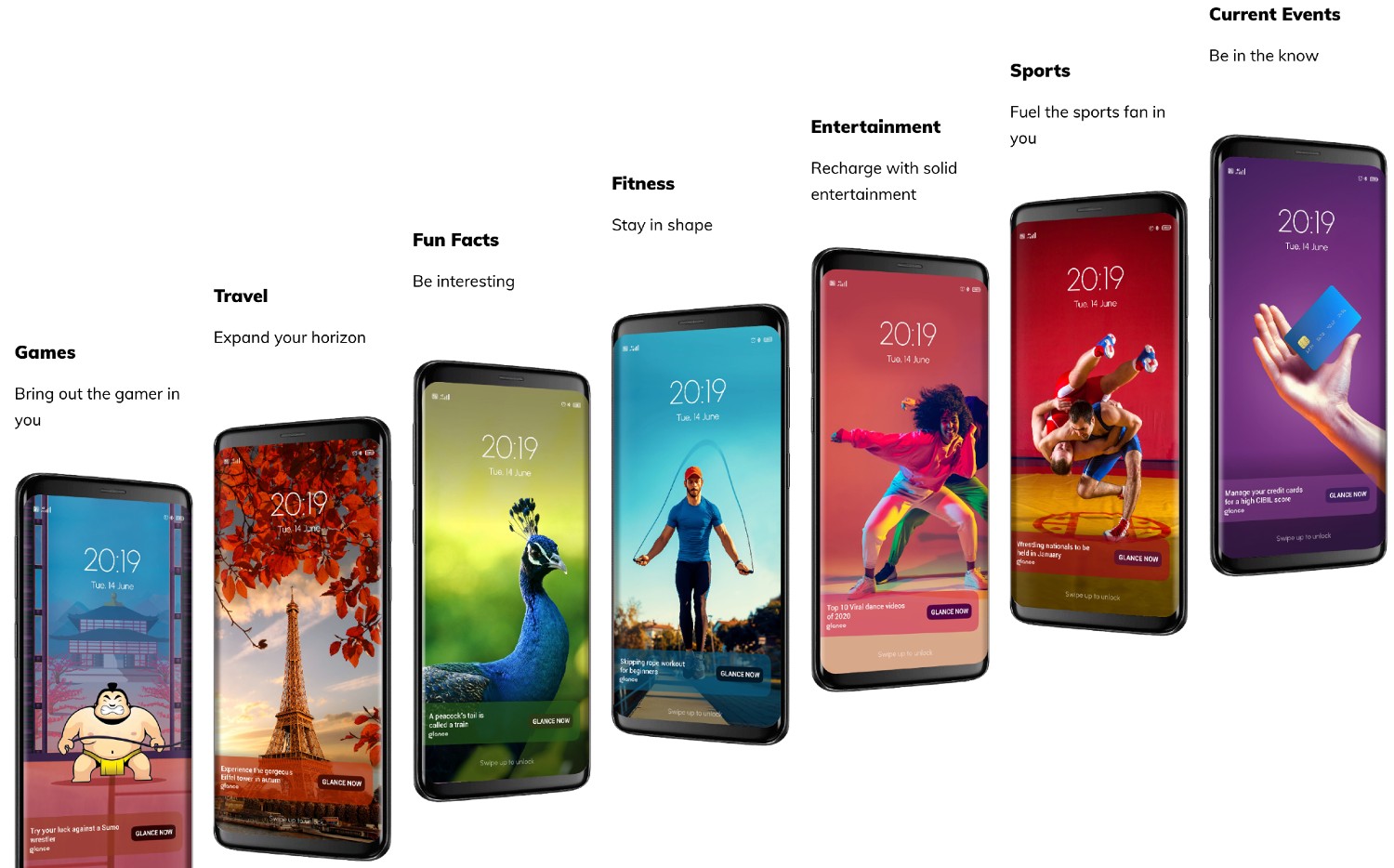
    Glance, already installed on over 400 million Android devices in Asia, lives on your lockscreen, feeding you what appears to be social media-like content once you click on the “Glance Now” button. It’s all designed to make you want to click. For the US, it is reported Glance is readying a premium option, as we as American consumers are more likely to utilize in-app purchases.

    Glance is said to be working with unnamed carriers to introduce the app onto several Android phones in our market. If we had to guess, it’s likely low to mid-range devices getting the Glance treatment and not the high-end devices, but we just don’t know for sure. Carriers are notoriously bold and can be overly aggressive when it comes to making money.

    Glance currently partners with the largest Android OEMs in the world, including Samsung and OPPO, so do note that no Android brand is likely off limits. Even Google invested millions of dollars into this company back in 2019, pushing the service’s valuation to over $1 billion. Meh.

    I believe that people are free to do whatever they like, but Glance is something I will never cease to tell people to disable or not use. When you lock your phone and place it down, it shouldn’t continue to push content down your throat. Coming from a company that preaches Digital Wellbeing, it’s really quite disgusting.

    // TechCrunch

  • Google Says Apps Can No Longer Put Ads on Your Lock Screen

    Google Says Apps Can No Longer Put Ads on Your Lock Screen

    Google informed developers of updates to its Google Play Developer Program Policy this morning. There are three changes, but one in particular should make a number of you happy. Going forward, lock screen ads are no longer allowed, unless the Android app serving them is an actual lock screen app.

    In the updated policy text, Google says specifically that apps “may not introduce ads or features that monetize the locked display of a device.” And since Google informed developers of this change, they are immediately subject to this change.

    Google is telling app developers to fix apps in their catalog that do not comply and submit them again, or unpublish them from Google Play within the next 30 days. Google isn’t messing around here.

    Google also updated some of their content rating guidelines, as well as the requirements to be a part of the Designed for Families program.

    // Google Play Developer Policy

  • Microsoft’s Cortana is Coming to Android Lock Screens

    Microsoft’s Cortana is Coming to Android Lock Screens

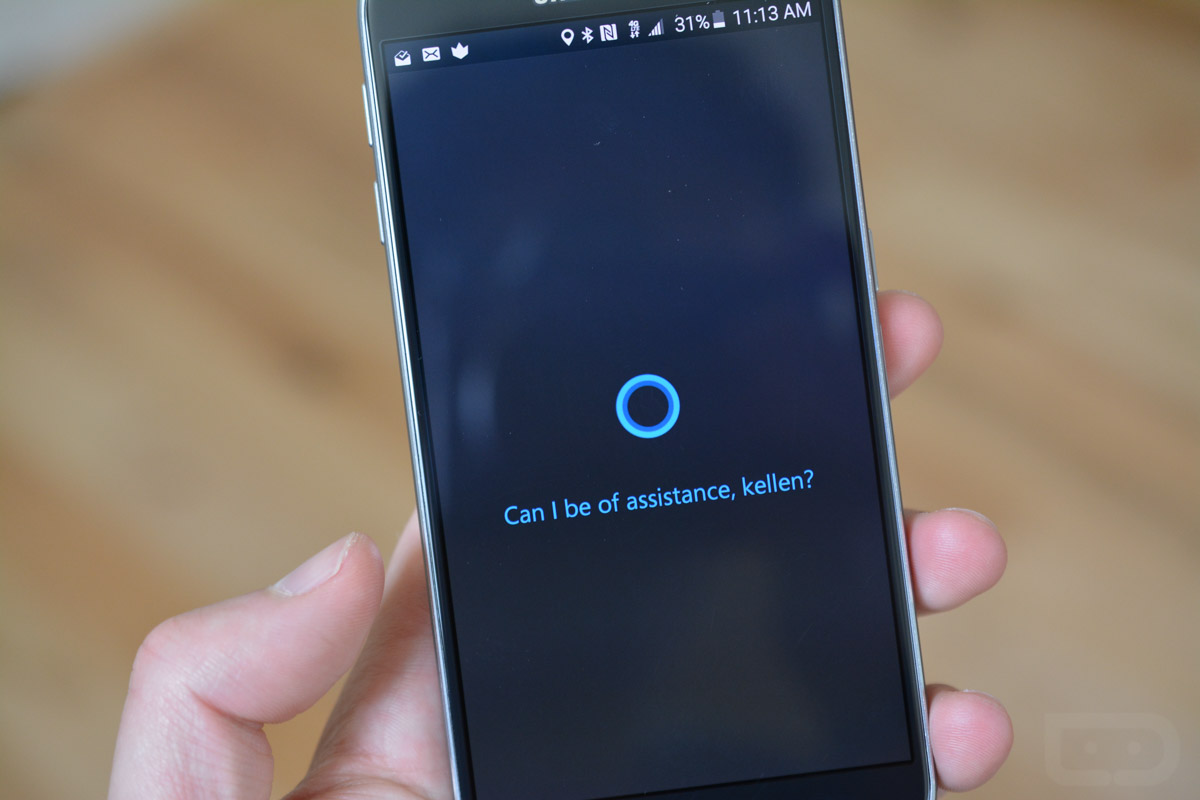
    Users of Microsoft’s Cortana on Android, get ready for even easier access to the personal assistant. According to MSPowerUser, Microsoft has begun beta testing a version of Cortana that allows for access directly from a phone’s lock screen.   (more…)

  • Poll:  Do You Use a Secure Lock Screen?

    Poll: Do You Use a Secure Lock Screen?

    Earlier today, I caught wind of a recently published report from Duo Labs that talked about the state of Android device security and the usage numbers surrounding things like secure lock screens. The report – which of course is from a security company – claims that about 1 in 3 Android users don’t use a secure lock screen, which is a pretty terrible percentage when you consider that their data showed that only 1 in 20 Apple users go without some form of security up front.

    Because I’m always curious how numbers like these compare to the crew here at Droid Life, we thought we would straight up ask you guys. Do you use some form of a secure lock screen?

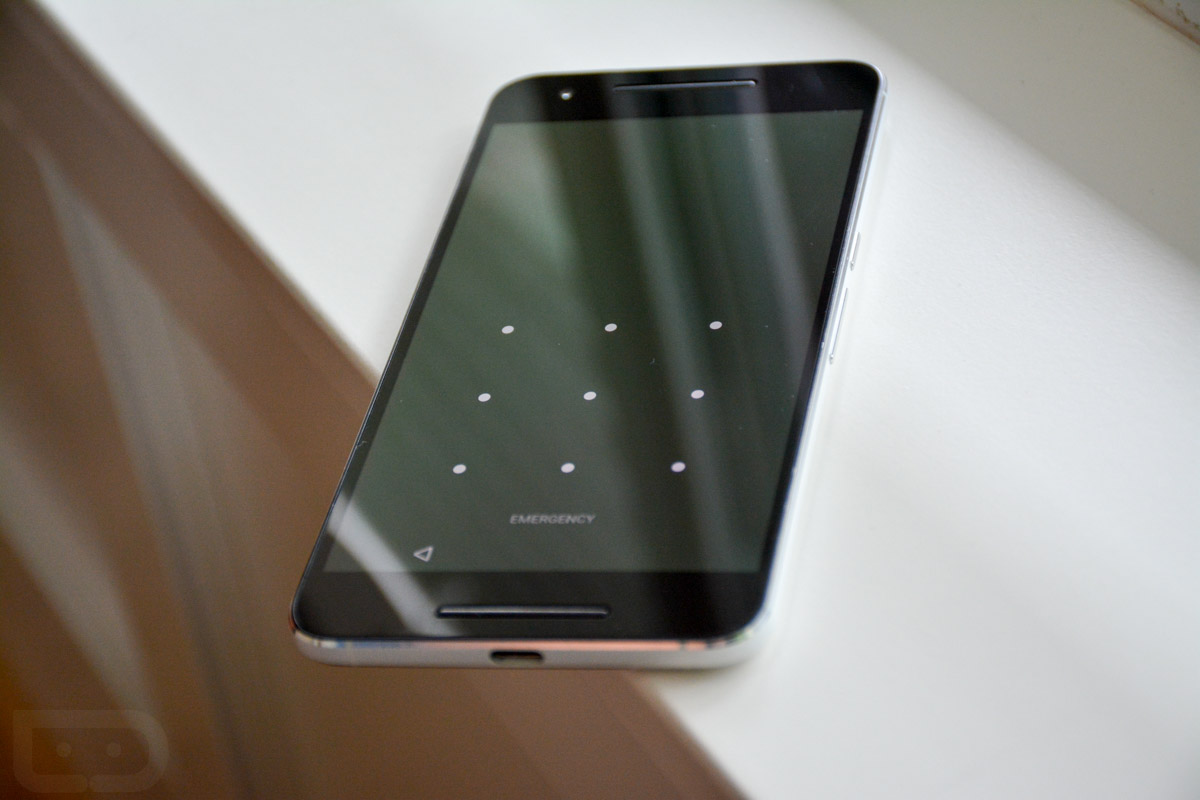
    The stock options in Android are PIN, password, pattern, swipe, and none. The poll below doesn’t include fingerprint unlocking, because well, fingerprint unlocking is a secondary add-on to the lock screen you have to set. We’ll probably do another poll tomorrow asking about fingerprint usage.

    Edit:  We switched to a “Yes” or “No” poll and will let you all specify in the comments how you are unlocking. We did this because the stock secure lock options are PIN, password, pattern, swipe, and none. But some phones, like Samsung phones, actually offer Fingerprint in that area, even though fingerprint is basically an add-on to a secure lock screen. We’ll still probably do another poll tomorrow asking for fingerprint usage. Also, we totaled up the the number of votes we had for specific secure locks and tossed them into the “Yes” vote below. The numbers are accurate, but in case you were wondering where they came from.

    So, do you use a secure lock screen?

    [poll id=”387″]

  • DL Favorites: Lock Screen Replacements

    DL Favorites: Lock Screen Replacements

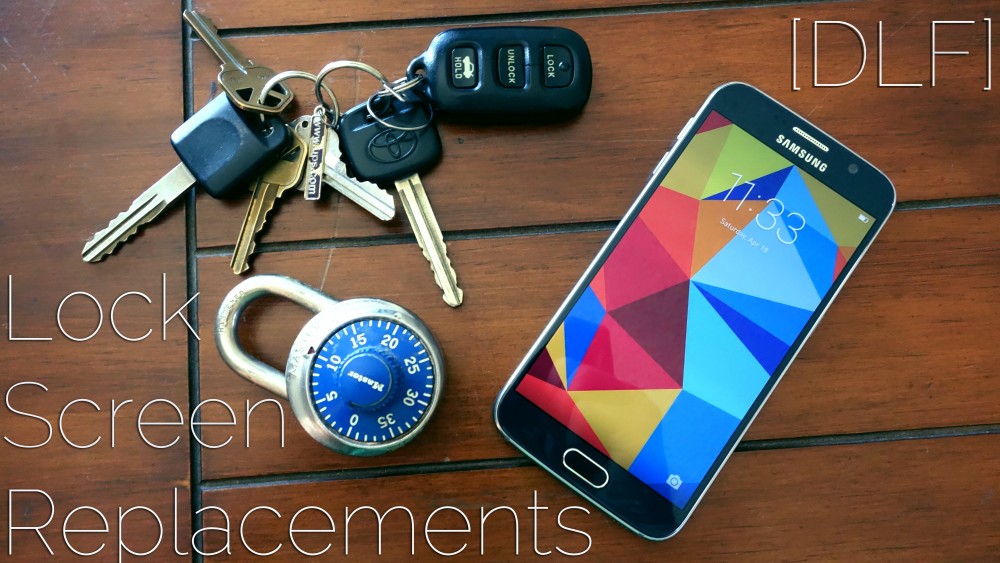
    [DLF], or Droid Life’s Favorites, is a series of articles reviewing our favorite apps in a given category. The goal of these articles isn’t to extensively review every single option out there and determine which is “the best,” but rather to give you a few of our favorite apps in a category. This week we look at Droid Life’s favorite lock screen replacement apps.

    Your lock screen is one of the most personal and important parts of your phone. It’s the gateway to your device, often adorned with an image of loved ones or fan art for the new Star Wars movie. But sometimes, the lock screens that come on our phones are annoying to use, limited in features, or just get boring after a while. I tried a ton of different lock screen replacements from Google Play, looking to shake things up, and these three are my favorites. (more…)

  • HTC Decouples Another System App, Adds Sense 6 Lock Screen to Google Play

    HTC Decouples Another System App, Adds Sense 6 Lock Screen to Google Play

    HTC began separating apps from its firmware a bit ago, but it’s been a few months since we have seen any continuation of that trend. Today, the company gave the Sense 6 lock screen the decoupling treatment, adding an entry for it to Google Play.

    It predictably isn’t compatible for any device that isn’t running Sense 6. For those who own one that is, note that the lock screen requires a reboot after install.  (more…)

  • Lock Screen Beta Club Will Inspire You to Create Lock Screen Themes for Sharing

    Lock Screen Beta Club Will Inspire You to Create Lock Screen Themes for Sharing

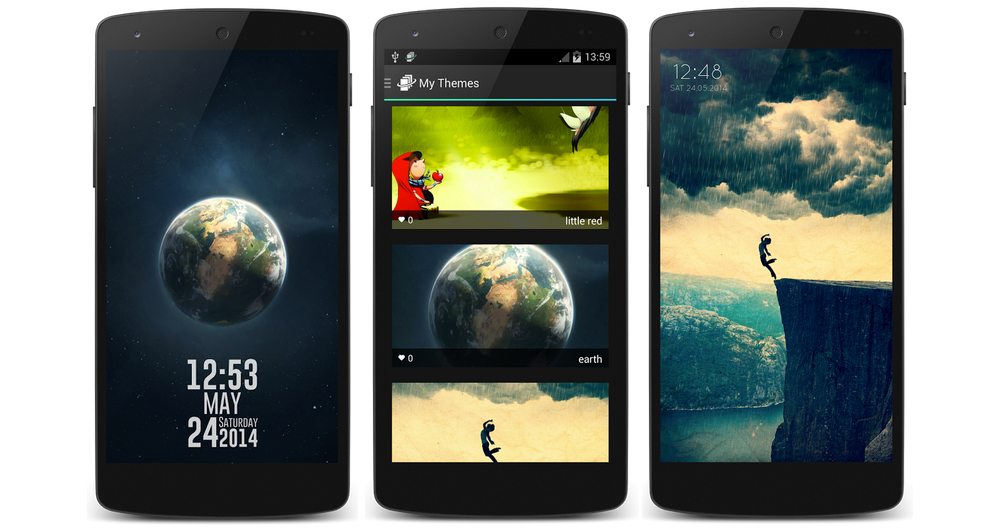
    You have to love an app that gives up all responsibility of content creation to a community of its own users. That is exactly what Lock Screen Beta Club has done, allowing folks the opportunity to create and share their own works of lock screen art.  (more…)