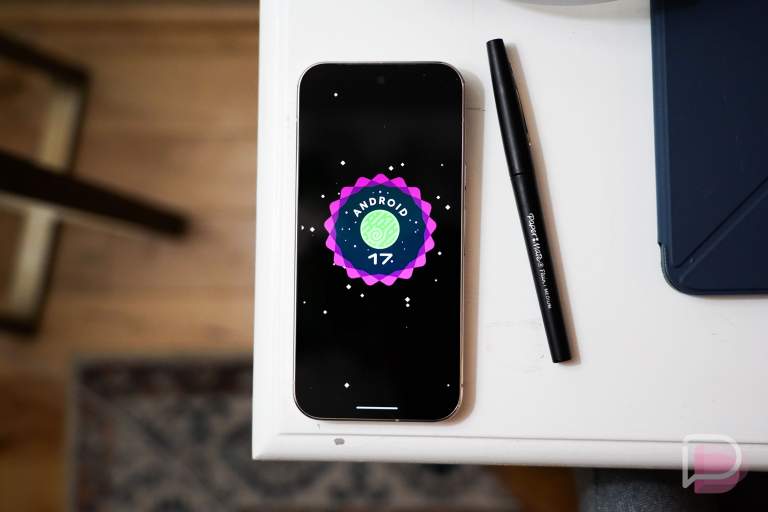

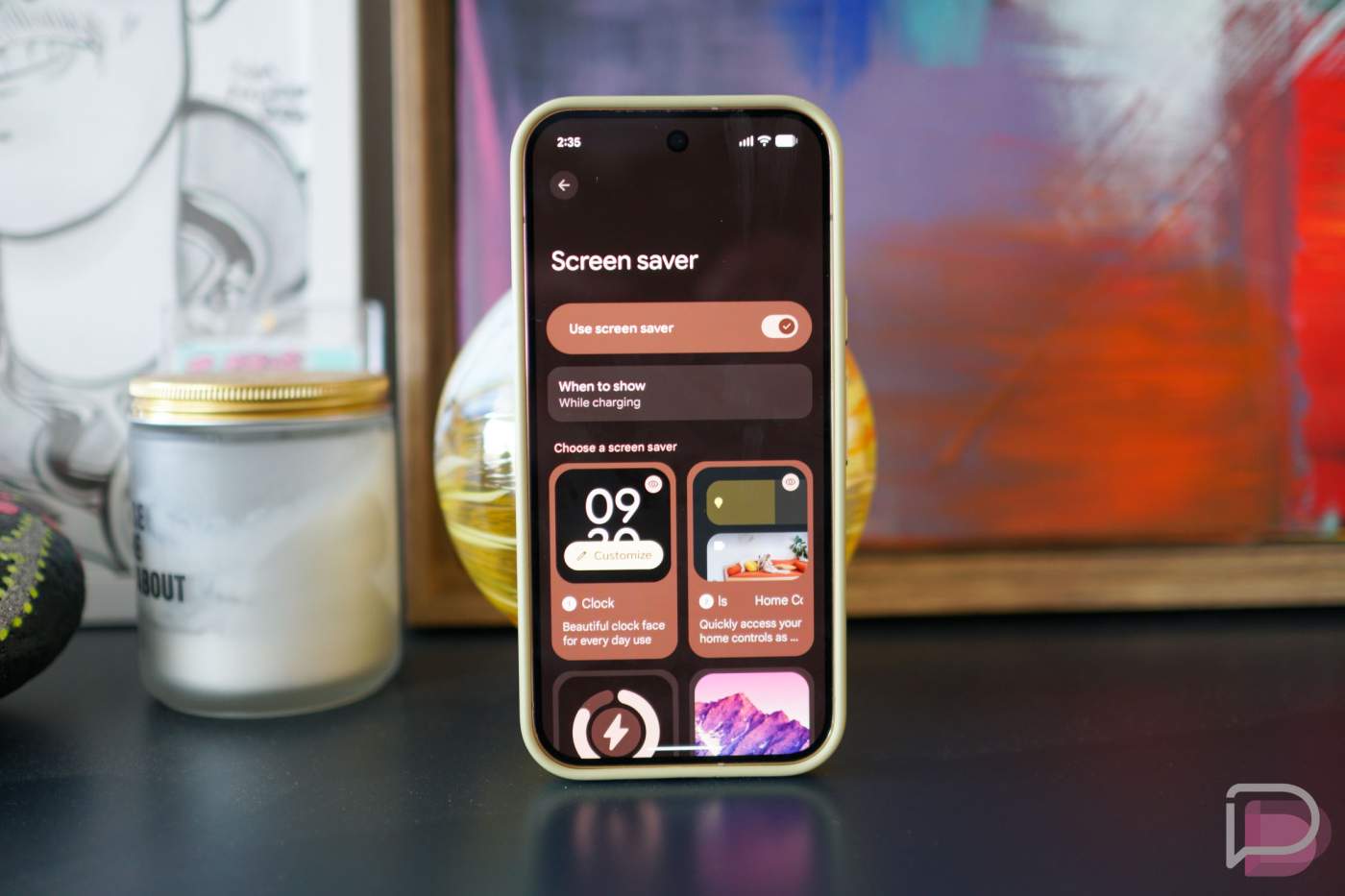

Screen savers in Android allow your phone to display different types of content while your phone is charging. You can opt to only display them when the phone is charging vertically or even limit it to wireless charging only. Building on that, Google is offering up new screen saver enhancements inside of Android 17 QPR1 which was released publicly this week.
Screen Saver Enhancements in QPR1
Android 17 QPR1 lets you select multiple screen savers simultaneously, such as Home Controls and Photos. To view your different screen savers, you’ll swipe in from the edge of your display. If that’s too much swiping, you can choose the order of the screen savers yourself or you can press and hold on any screen saver to open a quick switcher UI.
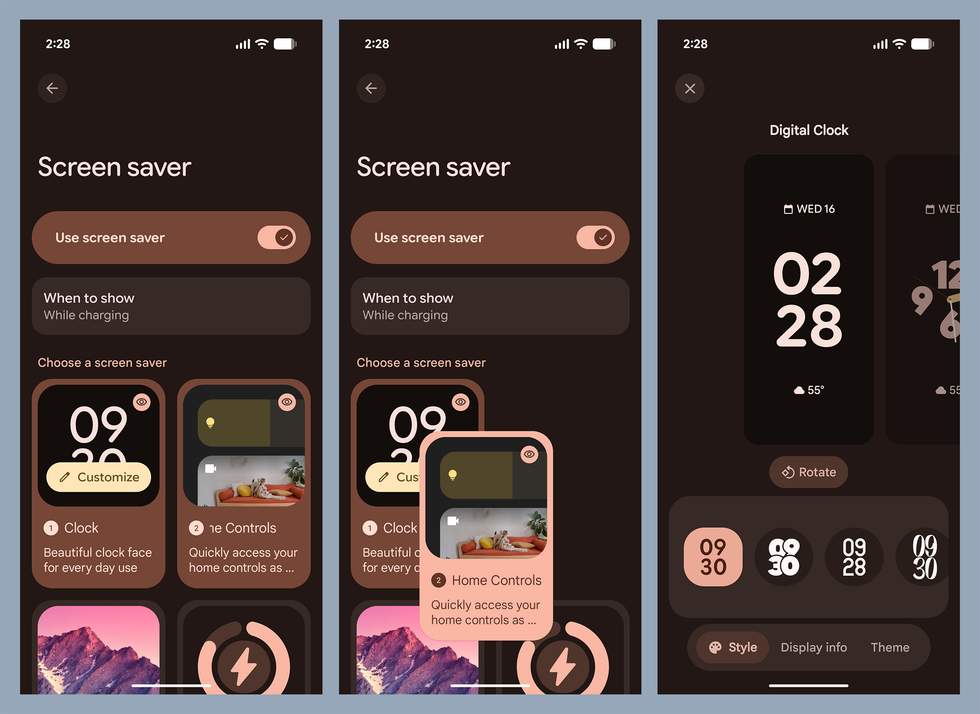
This change is rolling out as part of Android 17 QPR1, available on all supported Pixel devices. You can view other changes inside of this update, such as new vibration patterns, as well as features that are part of the Pixel Drop.