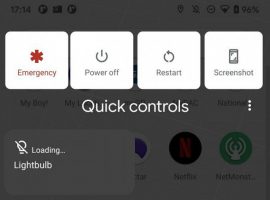
If you’re familiar with Quick Controls from the Browser application, then you’ll know that by placing a finger on the edge of your device, you can access many settings and options from anywhere in the app. With TasKarou, you can access many system settings and recent apps from anywhere on your device, at any time.
TasKarou Launcher Overlay Adds Quick Controls to Your Whole Device
Read More
40
Video: Browser Quick Controls Get a Makeover in Jelly Bean
Remember browser Quick Controls in both Honeycomb and Ice Cream Sandwich? They are still alive in Jelly Bean, but they have been tweaked to be much more advanced with more functionality. To enable, you need to go into Settings>Labs and then check the box for “Quick Controls.” Once activated, you can access them by swiping from either the left or right edge of the display and they will appear. From there, you can hover over each option to get to more options, something that wasn’t there in the past. You can basically control every single aspect of your browser through these now.
Read More